
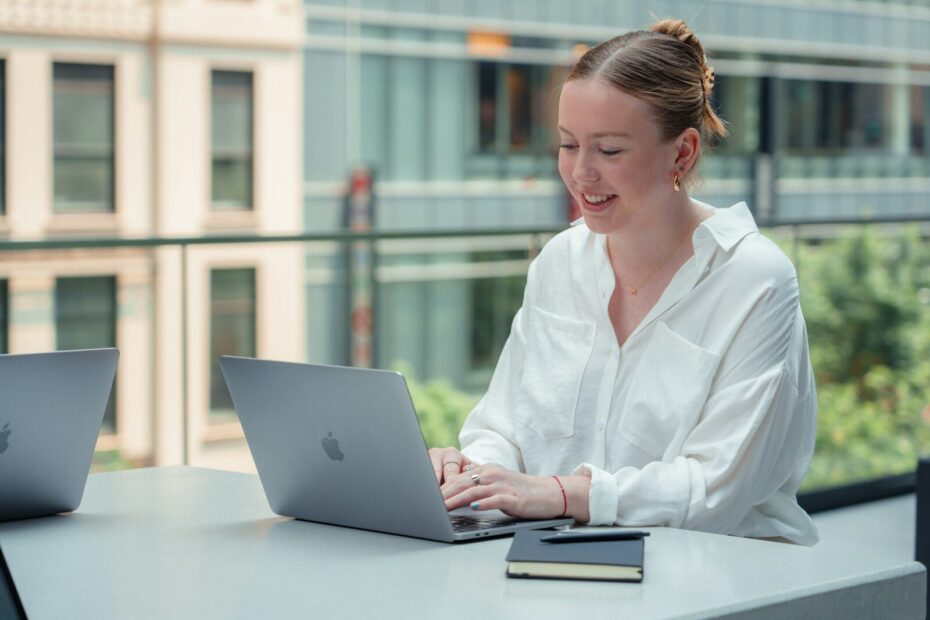
The first image in my proposed launch film is a desk at the end of the working day. A hand shuts a notebook, then reaches back for it when another message comes in. There is no panic in the gesture. It is just familiar enough to establish the problem for a small sales team: a conversation can be promising and still disappear among dozens of follow-ups. I want the viewer to understand that before the product appears. The film is for a fictional startup building a shared sales inbox, and the opening needs to work even when somebody watches with the sound muted.
I have three pieces of material in mind for the edit: a photograph of the desk, a short phone clip of the notebook closing, and a clean screen recording of our imagined inbox. The photo sets the palette, the phone clip establishes the gesture, and the screen recording supplies the product facts. I also plan to record the click of the notebook clasp. It is a little harder and brighter than the other noises in the room. That makes it a useful marker for the transition out of the opening shot.
Where the desk scene ends and the demo begins
The visual question is whether the scene can reconcile the warmth of the photograph with the speed of the gesture. For that bridge I can use seedance 3.0 ai, describing the shot in text while bringing the still, motion clip, and clasp sound together as references. The still is there for the window light and the grain of the desk. The clip provides the action, while the audio gives me a point around which to shape the cut. I will bring the actual interface into the edit as a separate recording.
That separation lets me choose how the viewer’s eye travels. In the desk shot, I want the notebook to enter from the lower left and stop just short of the middle. In the recording, the selected conversation starts in roughly that area of the frame. By cutting between those two positions, I can make the movement in the first shot lead the viewer to the part of the screen that matters. That gives me a simple way to compare two seedance 3.0 ai takes against the same screen recording. A smooth camera move looks polished, but an easy-to-follow cut matters more here. I expect the whole film to run under half a minute after editing.
Keeping the brief small enough for one shot
I would start with a locked angle just above table height. The hand closes the notebook, pauses, and opens it far enough to reveal a single blank page. The edge of a water glass stays soft at the far right. Overhead light is off, and the window falls outside the left edge of the frame. In the first seedance 3.0 ai prompt, I would describe those choices separately from the timing. The timing note is straightforward: hold the opening position long enough for the viewer to see the hand and leave a short gap after the clasp closes.
For the phone reference, I can shoot just the hand and notebook at a similar angle. A large sweeping motion in the clip could draw attention toward the forearm and away from the action I want, so I would use a small movement. At the end of the phone take, I would let the hand rest instead of pulling it out of frame. That gives me a neutral moment to cut on. I can record the clasp with the phone closer to the book, then listen for a click with a short decay so it does not muddy the first line of narration.
What goes into the screen recording
If I am getting a rough cut ready before the product screen is final, the seedance 3.0 free page gives me a place to start exploring the opening. I can keep that sketch beside the storyboard and reserve the clean interface take for the finished video.
The demo itself starts with a fictional conversation asking for a revised quote. To keep the viewer focused, I will use sample data and choose one action: moving the conversation into a shared follow-up queue. I will hold the result long enough to read the label, then show the owner’s name next to the conversation. There is room for a brief voiceover about how the next person can tell who is handling the reply. Adding a second unrelated feature would make it harder to follow the change from a loose notebook reminder to a visible task.
I can make that recording before I generate the desk shot. It gives me a real duration and a fixed frame around which to adjust the rest of the edit. With seedance 3.0 ai, I may try a text-led version of the opening alongside the version based on the desk photo. If the text-led frame feels more like a staged stock scene, I can go back to the photograph and let its unremarkable details carry the shot. The small worn area beside the notebook is the sort of thing I want to preserve. It suggests a desk someone uses every day.
Revising the arrival of the notification
The first edit might make the message arriving feel like a crisis. That’s an easy mistake to make with a loud click or a shot that rushes into the room. I can hear it by playing through the clasp and voiceover on a laptop speaker, then watch the cut without audio to see if the framing tells the same story. If the gesture reads as alarm, I will slow the reach and trim the setup by a few frames. A seedance 3.0 ai revision can keep the same light and camera position while giving the hand time to settle before the cut.
Before deciding between the seedance 3.0 ai versions, I plan to check that new opening on a narrow screen as well. The hand and notebook have to fit in the central area if the same film will be cropped for a feed. A closer crop may eliminate the glass altogether, which is fine. If it hides the notebook clasp, I will move the cut slightly earlier and keep more of the hand in view. At that point, I can compare the options using the same screen-recording segment, so the decision is about the opening and not about differences elsewhere in the edit.
Ending with one change the viewer can see
For the last image I want to return to the desk, this time with the notebook staying closed. I can hold that for a moment and carry the room sound across the cut. For a launch page, I would finish on a short line about the shared follow-up queue and leave the actual next step to the page. In a feed version, I can give that line a little more time. Both cuts will have captions where narration makes a claim about the feature.
The desk opening is where seedance 3.0 ai fits in this film. It supplies a scene shaped around material that I can plan and revise. The shared inbox recording shows exactly what the fictional product does. Together those two pieces let me tell a story about one small change in a working day, with a clear opening, a visible action, and time for the viewer to see what happens after the notebook closes.

Author: Kokou Adzo
Kokou Adzo is the editor and author of Startup.info. He is passionate about business and tech, and brings you the latest Startup news and information. He graduated from university of Siena (Italy) and Rennes (France) in Communications and Political Science with a Master's Degree. He manages the editorial operations at Startup.info.