
A social feed gives you about a second. If the first frame does not move, surprise, or promise something worth watching, the thumb keeps going. Pika built its name on exactly that moment — short, funny clips with effects that make people stop. Pollo AI plays the same game, but with a much bigger toolkit behind it. This guide compares the two on the things that decide whether a clip stops the scroll: effects, quality, control, and cost.
Pika vs Pollo AI: What Each Tool Is Built For
Pika: Short, Funny Clips with Pikaffects
Pika is a short-form video tool with the slogan “Reality is optional.” You type a prompt or upload an image, and it turns it into a brief clip.
Those clips often carry a Pikaffect like Inflate, Melt, or Explode — an effect that squashes, blows up, or turns the subject into cake.
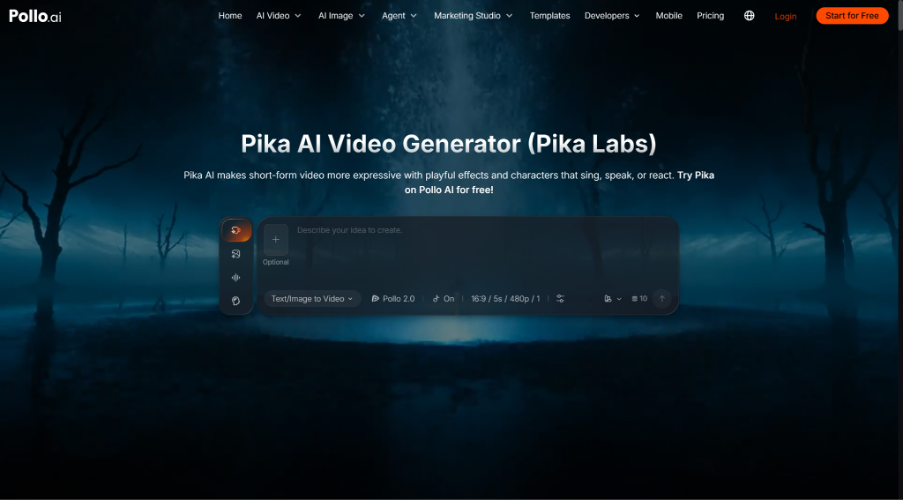
The interface is simple: a prompt box, an image upload, and a few controls. If you only need those effects, you can try Pika AI on Pollo AI, where it sits next to other models.
Pika’s free plan lets you test it; paid plans run from $10 a month for Standard to $95 for Fancy.
Pollo AI: One Toolkit with Many Models
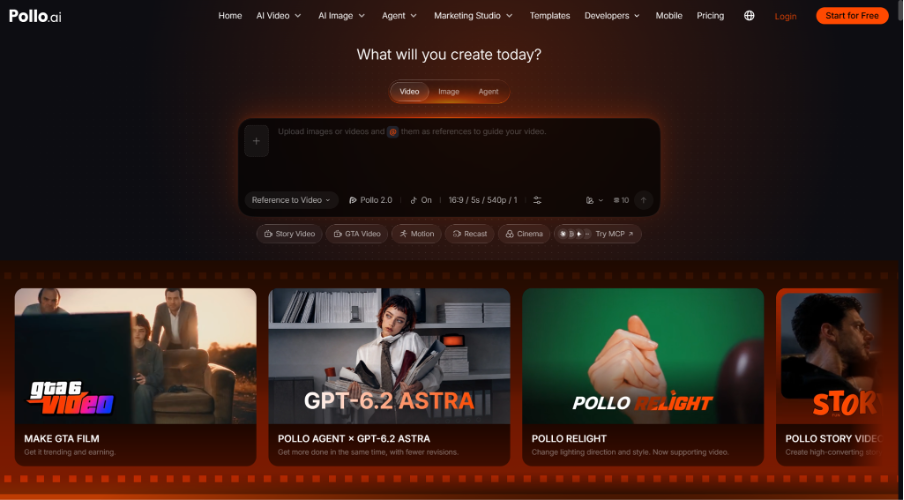
Pollo AI is an all-in-one platform with several models under one roof, including Pika, Runway, Kling, Hailuo, Vidu, Luma, Veo 3, and Seedance. It makes videos from text, images, or existing clips, with controls for length, aspect ratio, and camera movement.
It also adds tools Pika lacks: AI avatars from a single photo, a short-video generator for TikTok and YouTube, and an effects library with kissing, hug, inflation, and explosion videos.
Which One Makes Better Scroll-Stopping Social Videos?
Turning Still Photos into Motion
Most social videos start from a still image — a product shot, a selfie, a poster. Pika animates the image with a prompt, and the result is often good enough for a quick joke.
Pollo AI’s image-to-video gives you more: pick the model for the shot, keep the same character across a series, and set length and framing per platform. If your feed runs on photos, animate photos for Reels first, then add the effect on top.
Effects and Viral Formats
Pikaffects are Pika’s best weapon. An exploding product or a melting face is the kind of thing people share without thinking.
Pollo AI’s own effects library covers the same playful ground — inflation, squish, explosion — plus formats like AI kissing and hug videos.
The difference is breadth: Pika does one trick very well, while Pollo AI gives you a whole shelf of effects, so your feed never repeats the same joke.
Quality, Consistency, and Control
This is where the two pull apart. Pika’s output can be uneven — glitchy results, odd morphing, and clips that fall apart on longer prompts.
It also struggles with realistic physics and motion. Pollo AI holds up better: stronger prompt understanding, more lifelike movement, and controls for length, aspect ratio, and camera.
If you post one clip a week for fun, Pika’s misses cost little. If you post every day for a brand, the misses add up.
Cost and the Free Trial
Both let you try before you pay. Pika’s free plan covers a taste of the effects; paid plans run from $10 to $95 a month.
Pollo AI’s free plan comes with 20 credits to test any model, and paid plans start at $15 a month.
The fair comparison is what each credit buys: with Pika you get one model and its effects; with Pollo AI the same budget covers Pika plus every other model.
| Tool | Best for social video | Watch out for |
| Pika | Pikaffects and quick jokes | Uneven quality, few controls |
| Pollo AI | Effects, avatars, many models | Free plan has limits |
When Pika Still Wins
Pika is the better pick when the job is small and the joke is the point: one effect clip for a birthday post, a reaction video, or a quick test of an idea — Pika gets you there in a minute with nothing to learn.
It is also the simplest tool to hand to a first-timer. Pollo AI wins when the feed is a habit, not a one-off: daily posts, a consistent character, several formats a week, and a brand that cannot afford glitchy output.
FAQs
Why choose Pollo AI over Pika for social videos?
Pollo AI includes Pika’s model alongside Runway, Kling, Hailuo, Veo 3, and Seedance, so you can switch models without switching tools. It adds AI avatars, a short-video generator, and an effects library — plus a 4.9/5 rating from 10,204 reviews.
Is Pika free to use?
Pika is free to try, with paid plans from $10 a month for Standard to $95 for Fancy. The free plan covers the basics; heavier use needs a paid tier.
What are Pikaffects?
Pikaffects are Pika’s special effects for photos and clips: Inflate, Melt, Explode, and more. You upload a picture and the effect squashes, blows up, or turns the subject into cake.
Can I use Pika inside Pollo AI?
Yes. Pollo AI integrates the Pika model, so you can use Pika’s effects without leaving the platform, then polish the result or try another model on the same idea.
Which tool is better for daily social posting?
Pollo AI, for most daily posters. Pika is great for a quick joke, but uneven output and limited controls make daily posting a gamble. Pollo AI’s range of models keeps a daily feed varied and consistent.
If your feed needs one good effect a week, Pika will do. If it needs something worth stopping for every day, try Pollo AI free — Pika’s effects are already inside.

Author: Kokou Adzo
Kokou Adzo is the editor and author of Startup.info. He is passionate about business and tech, and brings you the latest Startup news and information. He graduated from university of Siena (Italy) and Rennes (France) in Communications and Political Science with a Master's Degree. He manages the editorial operations at Startup.info.