Tech
Cronus Zen Scripts in 2026: Install, Use and Pick the Best One

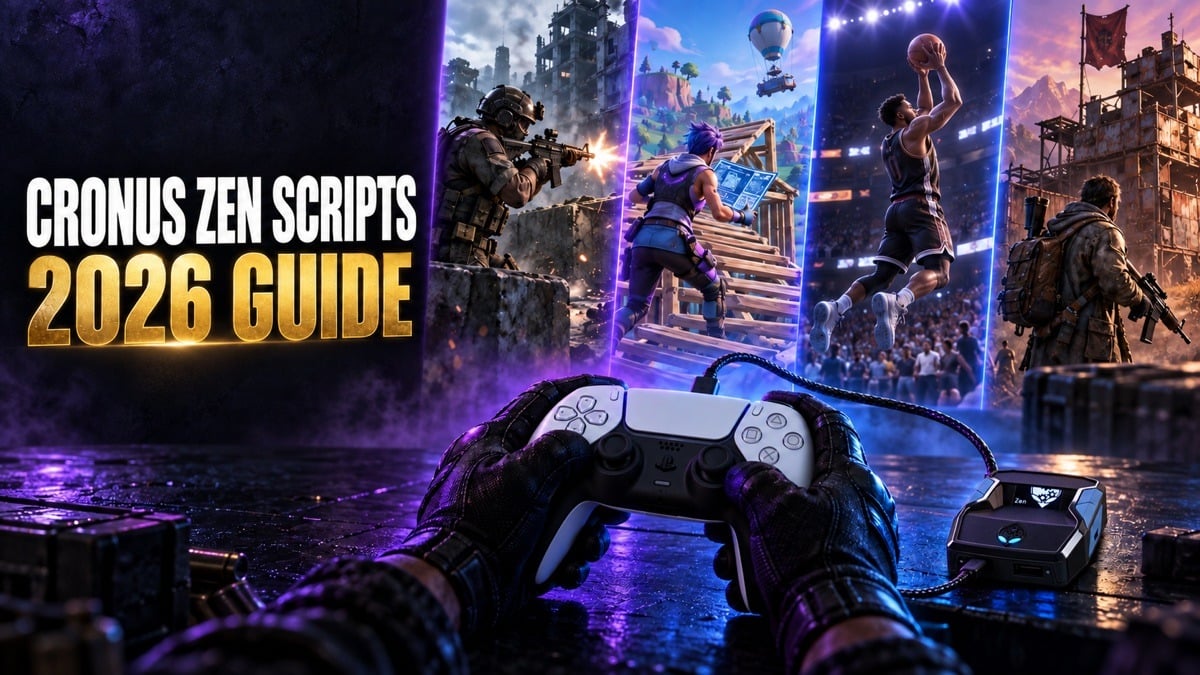
Cronus Zen scripts are small programs that run on the Cronus Zen, an adapter that sits between your controller and your console or PC. They change controller input in real time, which is why players use them for recoil control, aim assist, rapid fire and shot timing in Call of Duty: Black Ops 7 and Warzone, Fortnite, NBA 2K27 and Rust Console.
This guide covers what these scripts are, how they work, whether they’re free, how to install them and how to choose one that fits your game. It also covers the part most guides leave out: the rules and the risks.
What are Cronus Zen scripts?
A Cronus Zen script is a piece of code written in GPC, the Zen’s own C-like scripting language. Once it’s loaded onto the device, the Zen reads every button press and stick movement from your controller and can adjust, add to or time those inputs before they reach the console.
Scripts only work through controller input. They can’t read game memory, see your screen or change game files the way PC cheat software does. Everything a script does happens through the same sticks and buttons you already use, which is why the quality of its tuning matters so much.
The Zen itself is made by Collective Minds. Out of the box, it lets you use one brand of controller on another console, but many owners buy it for scripts.
How scripts work on the Zen
Scripts are loaded with Zen Studio, the free PC software for the device. You connect the Zen to a computer, add a script to one of its memory slots and program it. After that, the Zen runs the script on its own with no computer attached.
Many scripts include a menu on the Zen’s small OLED screen. From your controller, you can switch features on or off and change values such as strength, speed or timing, then save them so they survive a restart.
Because every feature works by adjusting your input, a script is only as good as its values. A recoil value tuned for one weapon can pull another weapon off target, and a timing value built for last season can miss after a patch.
Are Cronus Zen scripts free?
Some are. Zen Studio includes a large community library of free GPC scripts, and Cronus offers its own GamePacks for supported games. Both are reasonable places to start while you learn the device.
The catch with free scripts is maintenance. Many were written for older game versions and never updated, so recoil values, menus and timing can be out of date. Documentation and support are usually limited too.
That’s where paid Cronus Zen scripts come in. Developers who sell scripts tend to build around one game at a time and retune after patches. ScarZens, for example, builds its main scripts around a single game each, covering Fortnite, Call of Duty, NBA 2K27 and Rust Console, and updates them when a patch changes weapons or timing. Whichever route you take, judge a script by how current it is, not by the length of its feature list.
What scripts can do
Most scripts combine a handful of feature types:
• Anti-recoil. Pulls the aim stick against a weapon’s kick, so your crosshair stays closer to where you pointed it.
• Aim assist routines. Add small, controlled stick movements that keep controller aim assist engaged while you track a target.
• Rapid fire and burst. Repeat trigger presses on semi-automatic weapons faster than a finger can.
• Shot timing. Times your jump shot release for the green window in NBA 2K27.
• Movement and edit macros. Bind slide cancels, build edits or button combos to a single press.
• Weapon detection. Some advanced scripts switch settings automatically based on the weapon you’re holding.
Good scripts let you tune each feature separately. A single switch that turns everything on at once is usually the sign of a basic script.
Scripts by game
Every game handles controller input differently, so the strongest scripts are built for one title and retuned as that game changes. Here’s what to look for in four of the most searched games for Zen scripts.
Black Ops 7 and Warzone Cronus Zen scripts
Recoil in Call of Duty changes with every weapon and attachment, and guns get rebalanced throughout each season. The best Warzone and Black Ops 7 scripts store recoil values per weapon instead of using one global number, include tunable aim assist routines and, ideally, detect your weapon automatically, so swapping to your secondary doesn’t leave you with the wrong settings.
Because Black Ops 7 and Warzone share weapons, one script can cover both, as long as its values can be adjusted for each. Check that it supports your platform, whether that’s PS5, Xbox or PC, and use its recommended in-game deadzone and aim assist settings.
Fortnite Cronus Zen scripts
Fortnite scripts focus on two things: aim assist behavior and speed. Aim routines help controller aim assist stay engaged in close fights, while build and edit macros cut down the inputs needed for fast edits.
Epic has retuned controller aim assist several times, so a Fortnite script has to keep pace with the current season. A script built for an older aim system can feel noticeably worse after an update.
NBA 2K27 Cronus Zen scripts
NBA 2K scripts are about timing rather than aim. They help with shot release timing and tempo, plus dribble combos and stamina. Timing windows depend on your jump shot and shift between patches, so adjustable timing values matter more than any other feature.
Each yearly release also changes how shooting works, which is why last year’s script won’t carry over to NBA 2K27. Make sure a script is built for the current game before you buy it.
Rust Console Cronus Zen scripts
On Rust Console Edition, recoil control on automatic rifles and SMGs is the main use. Sprays are hard to control on a controller, and attachments and crouching both change how a weapon behaves.
A good Rust script handles each weapon separately, works on both PlayStation and Xbox, and lets you adjust its strength without reprogramming the device.
How to install Cronus Zen scripts
The exact steps depend on where a script comes from, but the process usually looks like this:
1. Install Zen Studio on a Windows PC and connect the Zen to the computer with a USB cable.
2. Update the Zen’s firmware if Zen Studio asks you to.
3. Add the script. Paid scripts usually come as a file or through the seller’s own loader, while free scripts can be added from the library.
4. Place the script in an empty memory slot and program the device.
5. Disconnect the Zen, connect it to your console and plug your controller into it, following the port layout in the official Cronus guide.
6. Select the slot on the Zen, open the script’s menu and set your in-game controller settings to match the script’s instructions.
Some sellers offer a browser-based loader instead of Zen Studio. You’ll usually still need a computer to program the device, but you won’t have to handle script files yourself.
How to choose the right script
Before you pay for a script, check these points:
1. Current game version. It should match the current version of your game, not an older season or last year’s release.
2. Update history. Look for dated changes after recent patches.
3. Adjustable values. You should be able to tune features from the Zen’s menu.
4. Platform support. It should work on your setup, whether that’s PlayStation, Xbox or PC, and with your controller.
5. Setup instructions. Clear steps and recommended in-game settings save hours of guesswork.
6. Real support. An active Discord or a support email that answers after patches is worth a lot.
7. Proof. Unedited gameplay and reviews from actual buyers tell you more than a feature list.
A script that passes all seven checks is worth more than one that promises every feature in every game.
Script not working? Common fixes
• Update the Zen’s firmware, then reload the script.
• Confirm you’ve selected the right memory slot.
• Match your in-game deadzone, sensitivity and response curve to the script’s instructions.
• Turn controller vibration on if the script uses it, since some detection features rely on it.
• Check for a new script version after every game update.
• On PS5, confirm your controller and setup are supported, because compatibility varies between controllers.
• Reset values to default, then change one setting at a time and test in a private match.
Is the Cronus Zen legal, and can you get banned?
Owning a Cronus Zen isn’t illegal in most places, and the device is sold openly. Using scripts in online games is a different question. Most games’ terms of service prohibit third-party devices that give you an advantage over other players, and publishers can suspend or ban accounts that break those rules. Activision has said its anti-cheat looks for devices like these, and organized competitions ban them outright.
Put simply, scripts give you an advantage other players don’t have, and using them online puts your account at risk. Read the rules for the game you play and decide whether that risk is worth it for you.
Frequently asked questions
Can you get scripts for free?
Yes. Zen Studio’s community library and Cronus’s GamePacks both offer free options. Paid scripts usually add game-specific tuning, updates after patches and support.
Do scripts work on PS5?
Yes. The Zen supports PlayStation, Xbox and PC setups, but some features depend on the controller you use, so check a script’s supported platforms before you buy.
Can you use a script without a PC?
You’ll usually need a computer to load a script onto the Zen. Once it’s programmed, the Zen runs the script on its own.
How often do scripts need updating?
Whenever the game changes weapons, aim assist or timing. For shooters, that can mean several times a season, so an active update schedule is one of the most important things to check.
Does one script work for both Warzone and Black Ops 7?
It can. The two games share weapons, so a Call of Duty script built for both can cover them, as long as you can adjust its values for each. A script made for last year’s Call of Duty won’t match current weapons.
Final thoughts
Whether you play Black Ops 7, Warzone, Fortnite, NBA 2K27 or Rust Console, the best Cronus Zen scripts are built for that one game, kept up to date and easy to tune. Start with the default values, match your in-game settings, change one thing at a time and keep notes on what works. And before you take a script online, know the rules of the game you’re playing.



-

 Resources5 years ago
Why Companies Must Adopt Digital Documents
-

 Resources4 years ago
A Guide to Pickleball: The Latest, Greatest Sport You Might Not Know, But Should!
-

 Resources1 year ago
50 Best AI Free Tools in 2025 (Tried & Tested)
-

 Resources1 year ago
Get Paid $5000+ a month to write : Discover 30 Spectacular Websites That Reward Your Writing Effort