News
Risly Replaces the Snooze Button With Missions You Can’t Fake

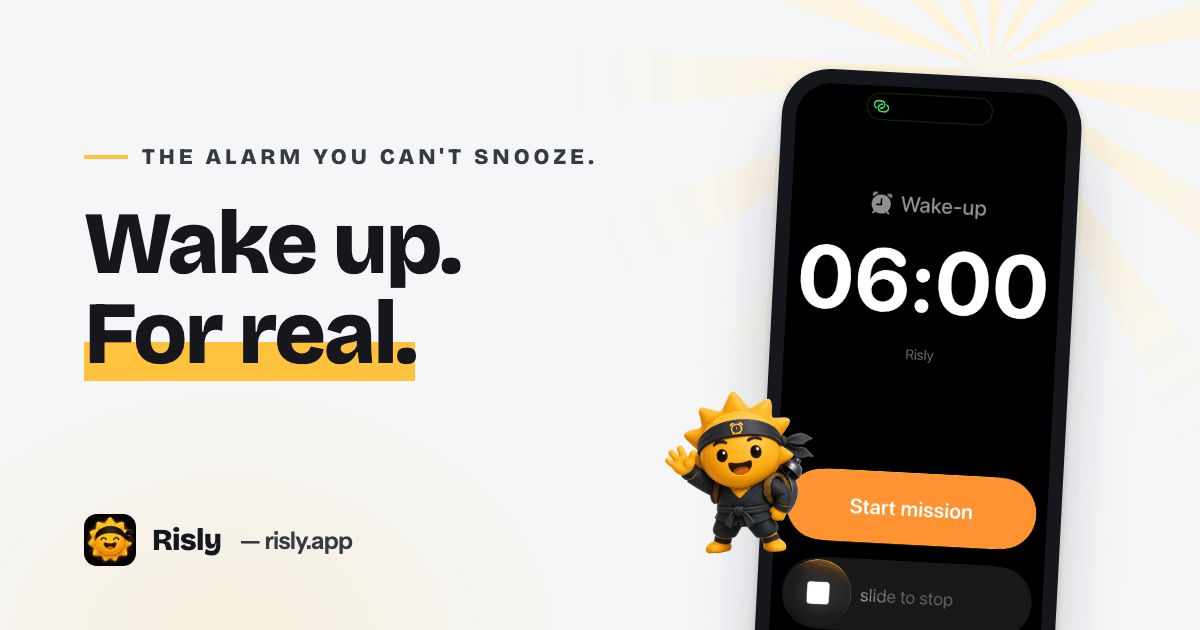
Risly is an iOS alarm app with no snooze button. The alarm keeps ringing until you complete a mission: scan a household object with the camera, solve a chain of math problems, shake the phone, or do push-ups that the front camera counts. Built on Apple’s AlarmKit framework, its alarms fire like the system Clock app: through silent mode, Focus and Do Not Disturb, even if the app has been force-quit.
A mission alarm is an alarm clock app that ties dismissal to a physical or mental task, so the only way to stop the sound is to get out of bed and do something a half-asleep brain cannot fake.
The Snooze Button Doesn’t Wreck Your Sleep. It Makes You Late.
The wellness case against snoozing is weaker than the alarm industry likes to admit, and Risly’s positioning is unusually honest about it. A 2023 study in the Journal of Sleep Research found that snoozing costs about six minutes of sleep and did not measurably impair cognition on waking. Some sleep researchers have gone as far as calling snoozing «unfairly villainized.»
The real cost is smaller and more expensive. At 6:40 in the morning you are not the person who set the alarm; you are a negotiator with exactly one goal. Nine taps later the gym slot is gone, the commute buffer is gone, and the 9:00 standup starts without you. Snoozing is a reliability problem, not a health problem. Risly’s answer is to remove the negotiation entirely: there is no snooze button anywhere in the app.
Why Alarm Apps Quietly Fail
There is a technical story here that product people will recognize. Third-party alarm apps have historically been built on notifications, and notifications are precisely what iOS is designed to suppress. Focus modes mute them. The system kills backgrounded apps to save battery. The support pages of some of the biggest alarm apps still tell users to keep silent mode off and Do Not Disturb disabled, which amounts to an alarm that ships with a user manual for not breaking it.
Apple changed the rules with iOS 26. The new AlarmKit framework gives third-party developers the same alarm machinery as the built-in Clock app: alarms fire at system level, break through silent mode and Focus, and survive a force-quit. Risly is built directly on AlarmKit, which is also why it requires iOS 26 or later. Reliability here is a platform guarantee, and the developers refuse to ship without it.
A Standard Alarm App vs. Risly
| Typical alarm app | Risly | |
|---|---|---|
| Rings through silent mode and Focus | Often suppressed | Yes, via AlarmKit |
| Fires if the app was force-quit | No | Yes |
| Snooze | Unlimited | Doesn’t exist |
| Dismissal | One tap | Complete a mission |
| Requirements | Varies | iPhone on iOS 26+ |
Missions a Sleeping Brain Can’t Fake
Dismissing a Risly alarm means completing the mission you chose when you set it:
- Scan an object. The app names a household object, say a cup, a toothbrush or a plant, and the camera has to actually see it before the sound stops. Whatever it picks is rarely within arm’s reach of your bed.
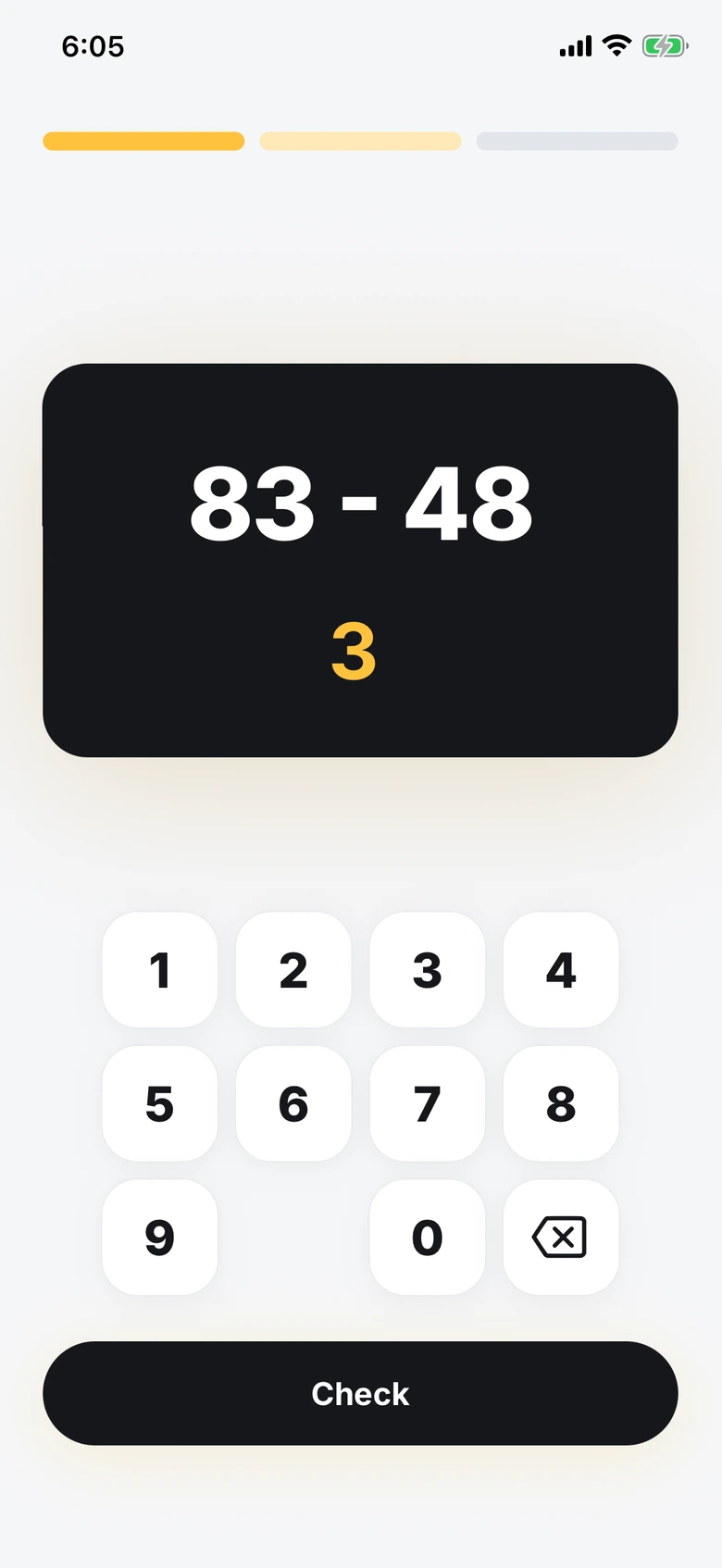
- Solve math. Chained problems, hard enough that you have to think, short enough that you don’t give up.
- Shake. Sustained, vigorous shaking. Rolling over slowly does not count.
- Do push-ups. The front camera counts real reps using pose detection.
You can also print a QR code, stick it on the bathroom mirror, and make scanning it the only way to silence the phone, which is about as close as software gets to physically dragging you out of bed. All camera missions are processed entirely on the device; no frames leave the phone.
Streaks, Grades and a Hard Paywall
Every completed wake-up extends a daily streak, and streaks unlock seven ninja grades for the app’s sun mascot. Miss a morning and the streak breaks. There are no freezes and no way to buy back a lost day, a stricter loop than most habit apps dare to ship.
The business model is just as strict: a three-day free trial, then an annual subscription, with no free tier. That confidence has precedent. Alarmy, the mission-alarm pioneer, has ranked as the top alarm app in dozens of countries, which settled the question of whether people will pay to be forced out of bed. Risly’s bet is that the category is ready for a second act built on Apple’s new alarm infrastructure, with a lighter and friendlier face.
Who Shouldn’t Use It
Risly is candid about its edges. It is iPhone-only and needs iOS 26, so Android users and older iPhones are out. And it is aggressive by design: if you would rather be woken gently, a sunrise lamp or a smart alarm like Sleep Cycle is a better fit. Risly is for people whose problem is not waking up badly, but not getting up at all.
Frequently Asked Questions
Is there really no snooze button?
No. Risly has no snooze anywhere in the app. The alarm plays until the mission is completed, so the decision you make the night before is the one that counts.
Does it ring if the iPhone is on silent or in a Focus mode?
Yes. Because Risly’s alarms are scheduled through Apple’s AlarmKit, they fire at system level like the built-in Clock app: silent mode, Focus and Do Not Disturb don’t suppress them.
Does Risly work on Android?
No. Risly depends on AlarmKit, which exists only on iOS 26 and later, so there is no Android version.
How much does it cost?
Risly starts with a three-day free trial, then moves to an annual subscription. There is no permanent free tier; the trial is the test drive.
Risly is on the App Store for iPhones running iOS 26 or later. The pitch fits in one sentence: the alarm you can’t snooze. Whether you thank it or curse it gets settled tomorrow morning, somewhere around 6:40.


-
Estilo de vida3 años ago
Tabla de números de series de billetes valiosos que los coleccionistas buscan
-

 News5 años ago
«Startup» o «Start-up»? descubra la diferencia
-

 Recursos1 año ago
La importancia de la programación adecuada en los sistemas de riego automatizados
-

 Recursos1 año ago
Cómo elegir la grúa adecuada para tu proyecto: consejos prácticos