Tips and support
How to Make an Employee ID Card in Under 10 Minutes


Last month, an HR manager told me they needed ID cards for 25 new hires by the same afternoon. No designer, no fancy software, just a spreadsheet and a printer that jams if you look at it wrong.
That’s a pretty normal situation.
The good news: you don’t need a design background or expensive software to get this done quickly. With the right ID card maker, you can go from employee list to print-ready cards in under 10 minutes if you follow a simple process.
This guide walks you through exactly how to do that, along with honest tool comparisons so you don’t waste time experimenting.
What You Actually Need Before You Start
Before opening any tool, gather your inputs. This is where most delays happen—not the design itself.
Minimum data required:
- Employee full name
- Job title or department
- Employee ID (if applicable)
- Photo (passport-style works best)
- Company logo
Optional but useful:
- QR code (for attendance or access)
- Expiry date
- Contact info
If your data is messy, your cards will be messy. Clean it first.
Step-by-Step: Create an Employee ID Card in Minutes
Step 1: Use a Proper ID Card Maker (Don’t Improvise)
You can make ID cards in PowerPoint or Word. People do it all the time. It works… but don’t expect consistency.
Instead, use the ID card maker tools built for this job. Dedicated ID card makers already handle sizing, layout, and export formats correctly.
For example, Zoviz is designed specifically for ID cards. It includes pre-sized templates, QR code generation, and bulk creation. That alone cuts your work time in half compared to general design tools.
Step 2: Pick a Template That Won’t Break in Print
Choose a template that:
- Matches CR-80 card size (standard ID size)
- Has clear sections for photo and text
- Doesn’t cram too much information
If you’re using something like the Zoviz ID card maker, templates are already sized correctly. With tools like Canva, you’ll need to adjust dimensions manually which is where mistakes usually happen.
Step 3: Add Your Company Branding
Now customize:
- Insert your logo
- Apply brand colors
- Adjust font styles (keep them readable)
Don’t overdesign this. Employee ID cards are functional, not marketing brochures.
Step 4: Add Employee Details
Manually or via bulk upload, map your fields:
- Name → Name section
- Photo → Image placeholder
- Role → Subtitle or footer
If you’re creating multiple cards, use a bulk id card generator feature. Zoviz, for instance, lets you upload a dataset and auto-generate cards for each employee.
Step 5: Add QR Code or Barcode (Optional but Smart)
Even if you don’t need it today, adding a QR code now saves you future headaches.
Some tools require external generators. Others like Zoviz include this directly in the editor, which is faster and avoids formatting issues.
Step 6: Export and Print
Export your cards in:
- PDF (best for printing)
- PNG/JPG (for digital use)
Make sure your printer settings match the card size. If not, you’ll end up with slightly stretched or cropped cards.
Best Tools for Making Employee ID Cards
Not all tools are equal. Here’s a practical comparison.
Tool Comparison Table
| Tool | Best For | Free Plan | QR/Barcode | Bulk Creation | Limitation |
| Zoviz | Fast, structured ID creation | Yes | Yes | Yes (paid) | Not for enterprise-scale printing |
| Canva | Simple designs | Yes | No | Limited | Manual sizing required |
| Adobe Express | Clean layouts | Yes | No | No | Not ID-focused |
| ID Card Workshop | High-volume printing | No | Yes | Yes | Desktop only |
| Avery Design & Print | Basic needs | Yes | No | No | Very limited templates |
Where a competitor wins:
ID Card Workshop is better than Zoviz for very large-scale printing and advanced encoding workflows.
Tool Breakdown (Honest Review)
Zoviz
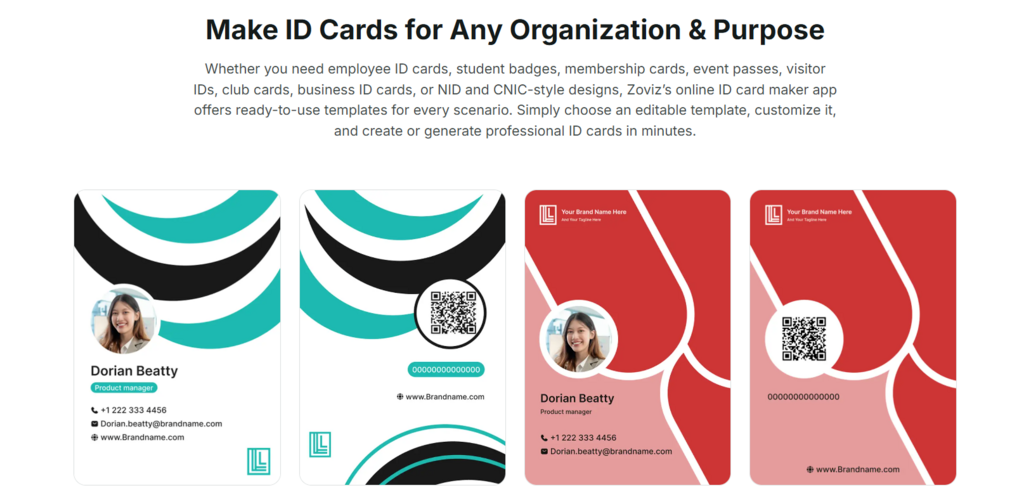
Zoviz is a purpose-built online ID card maker and that shows.
What works well:
- 5,000+ templates for different use cases
- Built-in QR and barcode generation
- Bulk ID card creation from spreadsheets
- AI layout generator for quick customization
- Supports multiple languages
Where it falls short:
- No smart card encoding for access control systems
- Bulk features require a paid plan
- Not ideal for organizations printing thousands of cards yearly
For most small to mid-size companies, though, it’s efficient and straightforward.
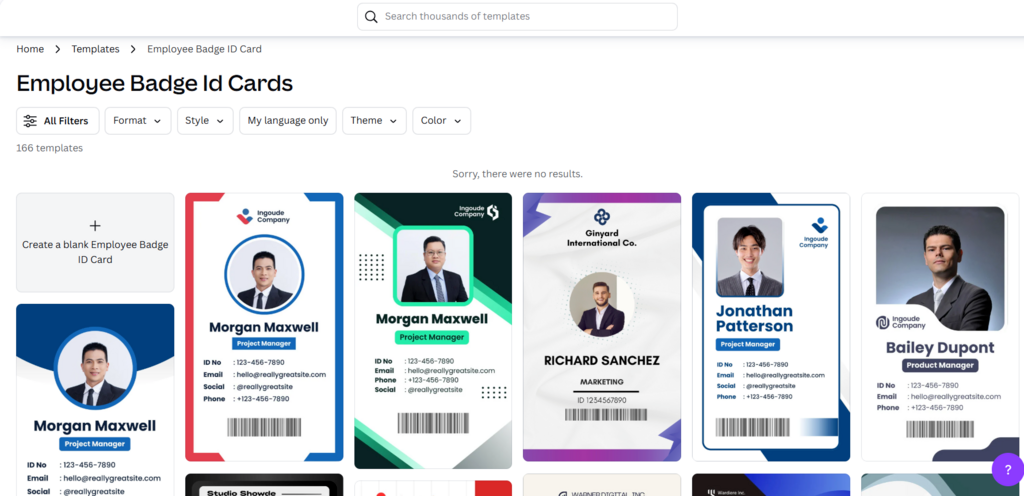
Canva
Canva is familiar and easy to use.
Pros:
- Beginner-friendly
- Good visual templates
- Works for quick one-off designs
Cons:
- No native QR/barcode generator
- Card sizing must be set manually
- Bulk creation is limited
It’ll get the job done but you’ll spend more time adjusting things.
Adobe Express
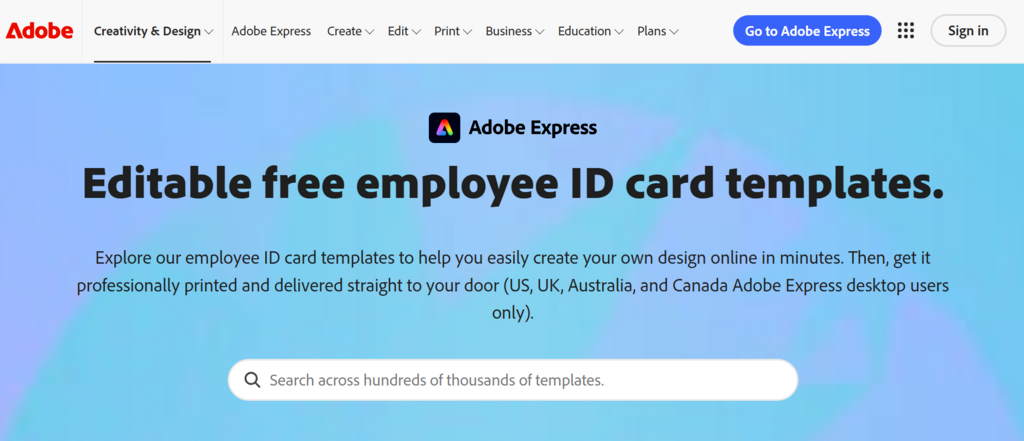
Best for teams already in the Adobe ecosystem.
Pros:
- Clean interface
- Good typography tools
Cons:
- Not built for ID cards
- Limited automation
- Weak free plan
ID Card Workshop
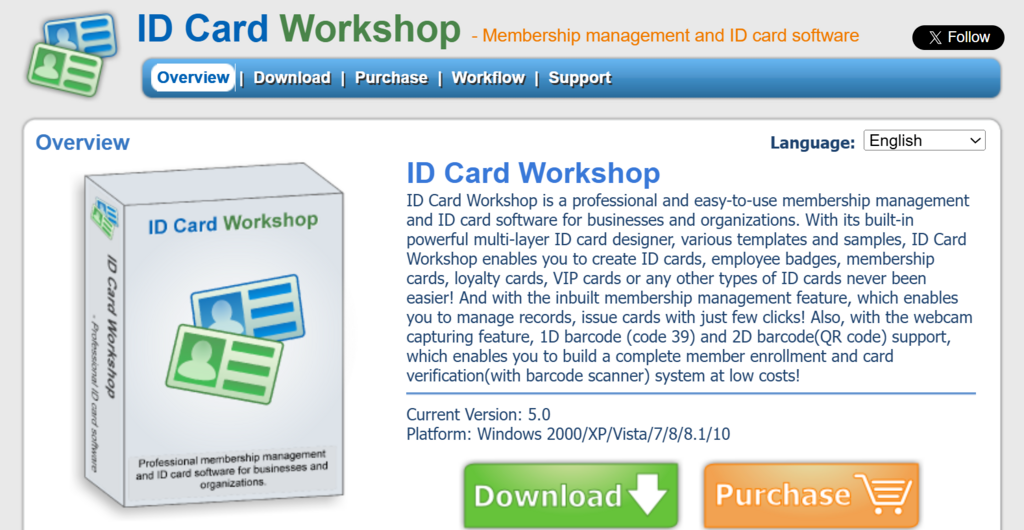
A different category desktop software for heavy-duty needs.
Pros:
- Excellent for batch printing
- Handles large volumes easily
Cons:
- Windows-only
- No cloud access
- More setup required
Avery Design & Print
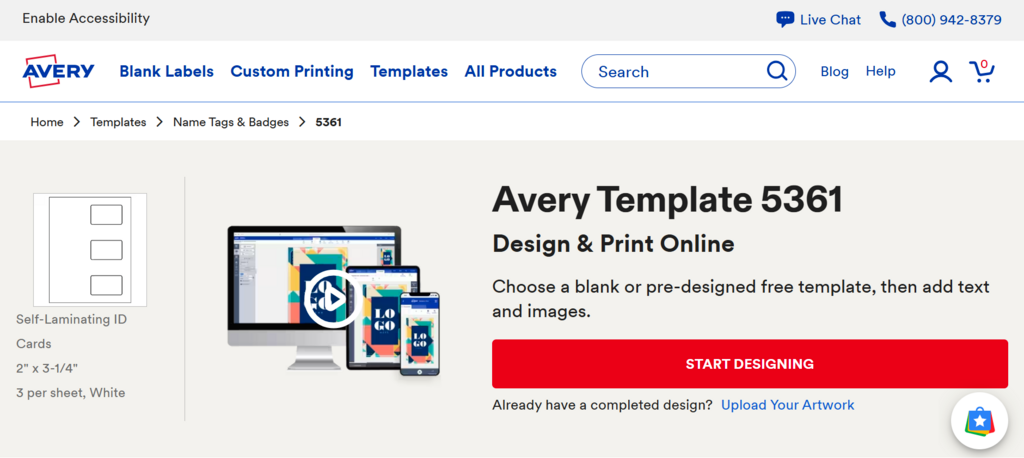
Simple and free.
Pros:
- Works well with Avery card stock
- No cost
Cons:
- Very basic templates
- No automation or QR features
Pricing Overview
| Tool | Free Plan | Paid Pricing |
| Zoviz | Yes | $29/mo (Starter), $49/mo (Pro), $99/mo (Business) |
| Canva | Yes | $14.99/mo |
| Adobe Express | Yes | $9.99/mo |
| ID Card Workshop | No | ~$99 one-time |
| Avery | Yes | Free |
Zoviz’s free plan is enough for basic design and export, but you’ll need a paid plan for bulk creation.
Common Mistakes That Slow You Down
1. Designing Each Card Individually
This is the biggest time-waster. Use bulk tools instead.
2. Ignoring Standard Dimensions
Improper sizing leads to printing issues.
3. Using the Wrong Tool
General design tools work but they’re slower for ID-specific tasks.
4. Overloading the Card
Keep it readable. Too much information defeats the purpose.
When You Should Use a Different Approach
Even though tools like Zoviz are efficient, there are cases where alternatives make more sense:
- Enterprise access systems: Smartcard Studio (for encoding)
- Mass production (1000+ cards): ID Card Workshop
- Quick one-off designs: Canva or Google Slides
It’s about matching the tool to your scale not just picking the most popular option.
FAQs
How do I make an employee ID card online for free?
You can use free tools like Zoviz, Canva, or Avery Design & Print. Most allow basic design and export, though advanced features like bulk creation may require payment.
What is the best ID card maker for small businesses?
For speed and ease, Zoviz works well. Canva is good for simple designs, while ID Card Workshop is better for large-scale operations.
Can I create ID cards in bulk?
Yes. Many tools support bulk generation by uploading a spreadsheet with employee data. This is the fastest way to create multiple cards.
What size should an employee ID card be?
The standard is CR-80 (3.375″ × 2.125″), which fits most ID holders and printers.
Do I need a QR code on employee ID cards?
Not mandatory, but useful for attendance tracking, access control, or internal systems.
Can I print ID cards myself?
Yes, if you have the right card stock and printer. Otherwise, export your design and use a professional printing service.
Is there a completely free ID card generator?
Yes, tools like Avery Design & Print and Google Slides are free, but they lack automation and advanced features.
What’s the fastest way to create ID cards?
Use a tool with templates and bulk upload features. It reduces manual work and helps avoid errors.
Final Thoughts
Making employee ID cards doesn’t need to be a drawn-out process. With a structured approach and a reliable ID card maker, you can go from raw data to finished cards in minutes.
The shortcut isn’t a trick, it’s just:
- Clean data
- Pre-built templates
- Bulk generation
Get those right, and the rest becomes routine.



-

 Resources5 years ago
Why Companies Must Adopt Digital Documents
-

 Resources4 years ago
A Guide to Pickleball: The Latest, Greatest Sport You Might Not Know, But Should!
-

 Resources1 year ago
50 Best AI Free Tools in 2025 (Tried & Tested)
-

 Resources1 year ago
Get Paid $5000+ a month to write : Discover 30 Spectacular Websites That Reward Your Writing Effort