Artificial Intelligence (AI)
How to Make an Instrumental From a Song With InsMelo

Turning a song into an instrumental version can be useful for karaoke, vocal practice, live performances, remixes, videos, and many other creative projects. Traditionally, removing vocals from a finished track required specialized audio software and a good understanding of music production. InsMelo makes the process much simpler by using AI-powered audio technology.
Whether you are an experienced producer or someone experimenting with music for the first time, InsMelo provides an accessible way to work with songs and create new instrumental versions.
What Is an Instrumental Version?
An instrumental is a version of a song that focuses on its musical elements without the main vocal performance. Depending on the original recording, these elements can include drums, bass, guitars, piano, synthesizers, strings, and other sounds.
Having access to an instrumental can give creators more flexibility. Singers can practice over the backing track, creators can develop new content, and producers can study how different musical layers work together.
Start With InsMelo
InsMelo is an AI-powered music creation platform designed to make music production more accessible. Along with tools for generating new music, it provides features for working with existing audio.
The AI song maker can also help creators develop completely new musical ideas. You can experiment with different genres, moods, and concepts to create original tracks, making InsMelo useful even after you’ve finished working on an instrumental.
Use InsMelo’s Instrumental Maker
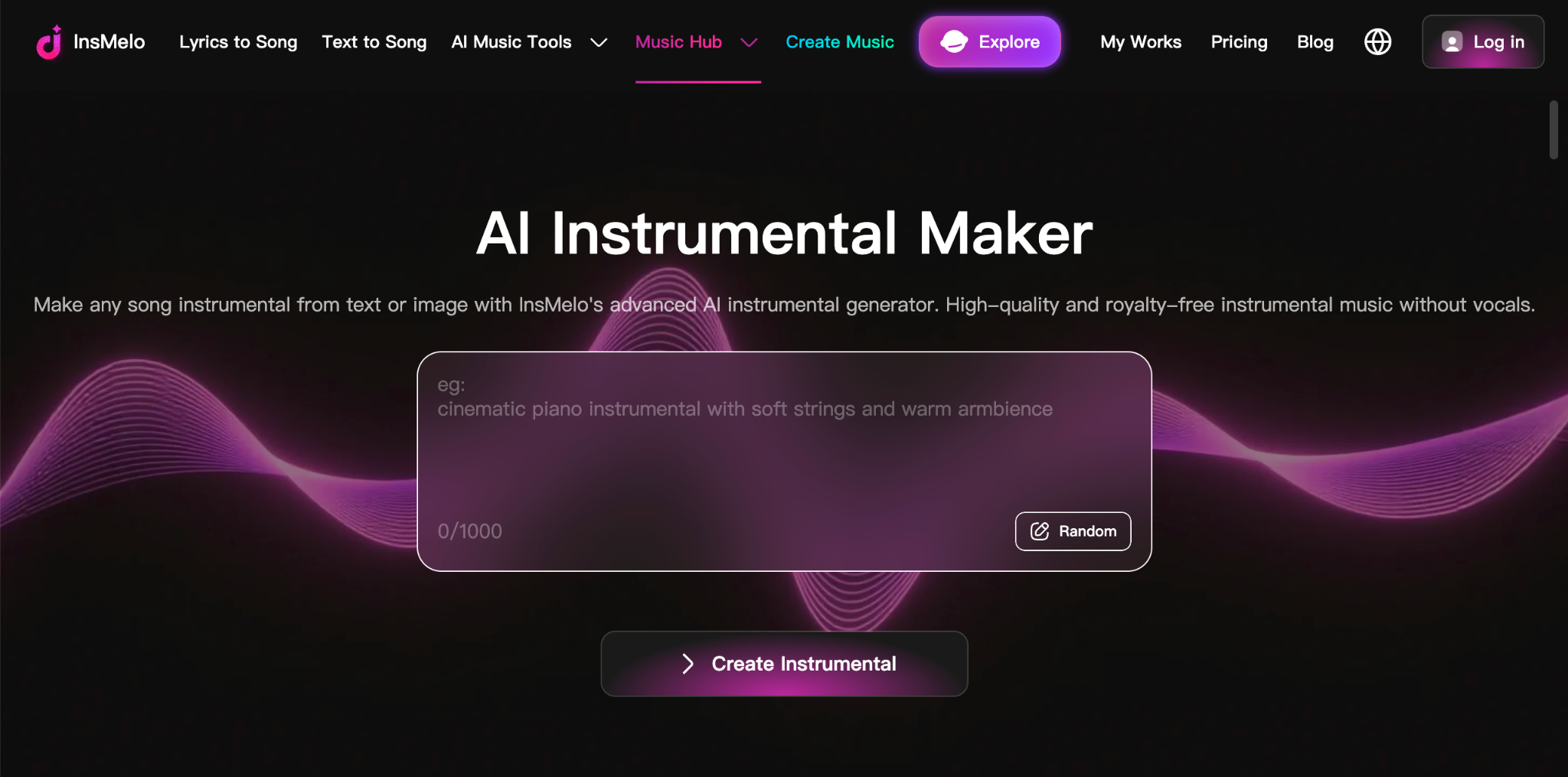
The easiest way to create a vocal-free version is through InsMelo’s instrumental maker.
The tool is designed to separate vocals from music using AI, allowing users to focus on the instrumental components of a track. Instead of manually editing individual audio frequencies, the AI handles much of the separation process automatically.
How to Make an Instrumental
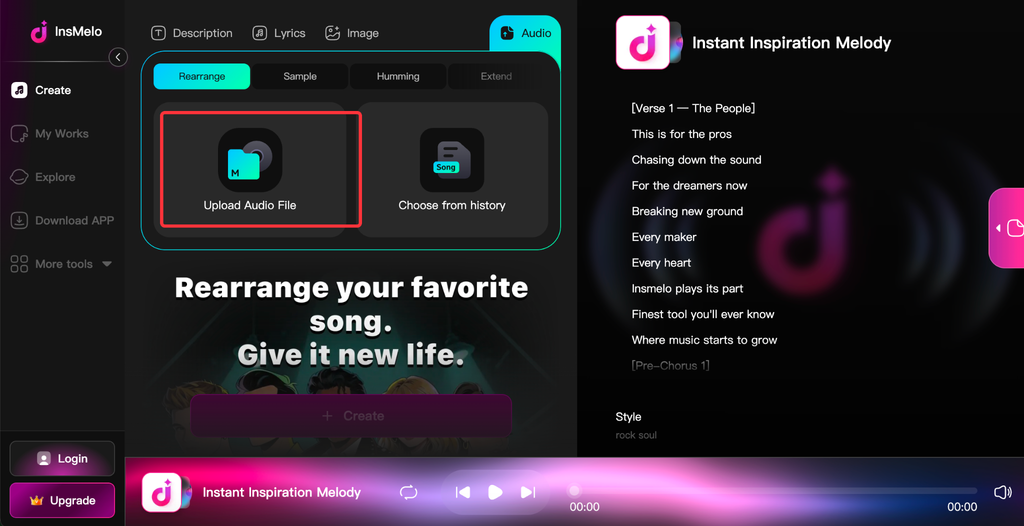
The basic workflow is straightforward:
- Choose your audio: Select the song you want to work with.
- Upload the track: Add the audio to InsMelo’s instrumental workflow.
- Let the AI process it: InsMelo analyzes the recording and separates the vocal content from the musical elements.
- Preview the result: Listen to the generated instrumental and check how it sounds.
- Use your instrumental: Take the finished track into your next creative project.
This streamlined approach can save significant time compared with traditional manual editing.
What Can You Do With the Result?
Once you have an instrumental version, there are many ways to use it creatively.
Karaoke and practice: Singers can rehearse without the original lead vocal competing with their performance.
Content creation: Instrumentals can provide musical foundations for videos, podcasts, presentations, and other projects where vocals may not be appropriate.
Music production: Producers can study the arrangement of a track or use separated musical material as inspiration for new production ideas.
Live performances: Musicians can use backing tracks when performing songs in settings where a full band is not available.
Create More Than Instrumentals
InsMelo is not limited to removing vocals. Its broader AI music environment allows creators to move between different stages of the creative process.
For example, you could create an instrumental version of a song, use the musical result as inspiration, and then generate an entirely new composition based on a different concept. This makes InsMelo useful for both audio editing and original music experimentation.
No Advanced Production Skills Required
One of the biggest advantages of an AI-powered workflow is accessibility. You don’t need to spend hours learning complicated digital audio workstation techniques just to experiment with instrumental music.
InsMelo brings the process into a simpler online environment, allowing beginners to explore music production while giving experienced creators another efficient tool for their workflow.
Final Thoughts
Making an instrumental from a song doesn’t have to involve complicated editing or professional studio equipment. InsMelo provides a straightforward AI-powered approach for separating vocals and creating a useful instrumental version of a track.
With its AI song generator and Instrumental maker, InsMelo gives creators a flexible music-production toolkit for experimenting with songs, practicing vocals, producing content, and developing new musical ideas.


-

 Resources5 years ago
Why Companies Must Adopt Digital Documents
-

 Resources4 years ago
A Guide to Pickleball: The Latest, Greatest Sport You Might Not Know, But Should!
-

 Resources1 year ago
50 Best AI Free Tools in 2025 (Tried & Tested)
-

 Resources1 year ago
Get Paid $5000+ a month to write : Discover 30 Spectacular Websites That Reward Your Writing Effort