Resources
The Audio Setup Writers and Remote Workers Actually Need

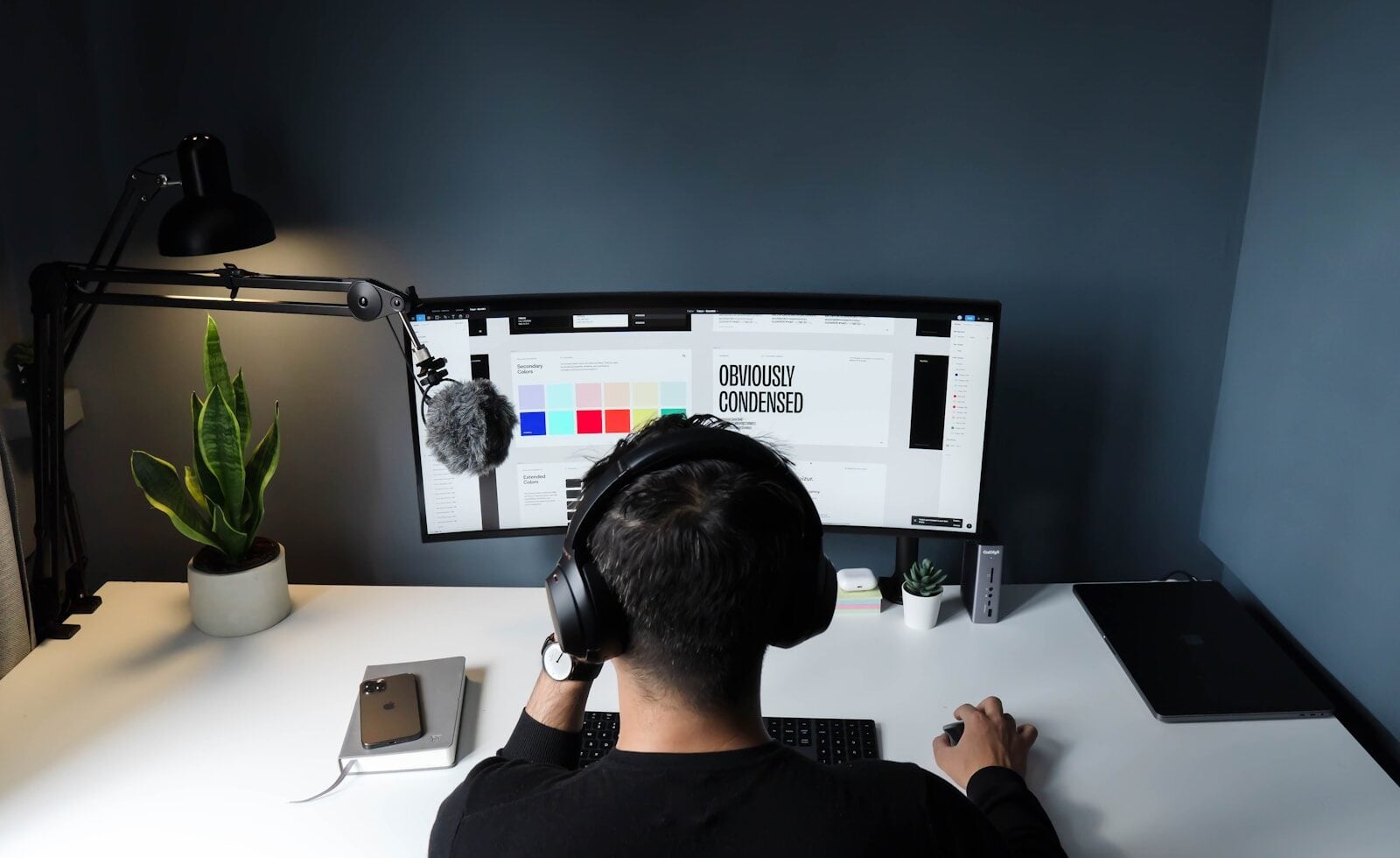
A great laptop solves half the equation. It gets you fast startup times, a keyboard that doesn’t fight your hands during a six-hour writing sprint, and battery life that survives a coffee shop afternoon without hunting for an outlet. What it doesn’t solve is what happens the moment you plug something into it.
For most writers and remote workers, that “something” is audio, and it’s the part of the setup that gets almost no attention until it goes wrong mid-call.
The Part of the Home Office Setup Everyone Skips
Ask a writer or remote employee about their setup and they’ll tell you about the laptop, maybe the monitor, maybe the chair. Almost nobody mentions what’s going in their ears or picking up their voice, even though it’s active for hours a day, every day, across calls, dictation sessions, and any writing done with music or ambient sound in the background.
That gap matters because audio problems compound in a way hardware problems don’t. A slow laptop is annoying but predictable. A headset that cuts out mid-sentence on a client call, or a mic that picks up every keystroke during a dictation session, creates friction that’s inconsistent and hard to diagnose. You don’t know it’s a problem until it’s already cost you something, whether that’s a garbled sentence in a transcript or an awkward moment on a video call.
Why Audio Quietly Drives Focus and Output
Calls. Whether it’s a client check-in, an editorial call, or a quick sync with a remote team, audio quality shapes how the conversation actually goes. A weak connection or a mic that sounds thin makes people repeat themselves, talk over each other, and generally spend more mental energy parsing what was said than engaging with the content of it.
Dictation. More writers are using voice-to-text than ever, and dictation accuracy lives or dies on mic consistency. A mic that shifts position, drops signal, or introduces background noise turns a fast dictation session into a slow editing one, correcting transcription errors that a stable mic would have avoided entirely.
Focus during long sessions. Plenty of writers work with music or ambient sound running in the background, and the quality of that listening experience affects whether it helps focus or becomes its own distraction. A connection that stutters or a fit that’s uncomfortable after an hour undermines the exact thing it was supposed to support.
None of this requires expensive gear. It requires gear that’s reliable, which turns out to be a narrower category than most people assume.
USB vs. Bluetooth: The Comparison That Actually Matters
Bluetooth headsets get chosen by default because they’re wireless and convenient, and for casual use, that’s a reasonable tradeoff. For daily work, the tradeoff gets worse the more you rely on it.
Bluetooth connections are prone to latency and dropouts, particularly in environments with multiple wireless devices competing for the same spectrum, which describes most home offices and coworking spaces. Pairing issues, battery management, and occasional audio lag during calls are common enough that most remote workers have a story about a Bluetooth headset failing at exactly the wrong moment.
USB headsets solve this by removing the variable entirely. A direct USB connection delivers a stable signal without the interference or latency issues that come with wireless transmission, which matters enormously for both calls and dictation work where consistency is the whole point. For writers who rely on voice-to-text software, that stability directly affects transcription accuracy, since the software is only as good as the audio signal feeding it. If you’re comparing options, USB headsets are worth a serious look before defaulting to whatever wireless pair came with your phone, particularly if calls or dictation are a regular part of your workday.
The one real downside is the cable itself, which some people find limiting compared to walking around during a call. For a desk-based writing setup, that tradeoff rarely matters. For someone who paces during calls, it’s a genuine consideration worth weighing against the reliability gain.
What to Look For Beyond the Connection Type
Microphone quality and positioning. A boom mic that sits close to your mouth consistently outperforms a built-in laptop mic or an earbud mic, both of which pick up more room noise and less of your actual voice. For dictation work specifically, mic consistency matters more than nearly any other spec.
Comfort over long sessions. A headset that’s fine for a 20-minute call can become uncomfortable during a full day of back-to-back meetings or hours of dictation work. Weight distribution and ear cushion material matter more than they get credit for.
Noise cancellation, used deliberately. Passive or active noise cancellation helps on both ends of a call, blocking distraction on your side and filtering out background noise on the mic side. It’s less critical for someone working from a quiet space alone, and more critical for anyone in a shared or noisy environment.
Building a Setup That Works Every Time
None of this requires an overhaul. It requires treating audio as a real part of the work setup rather than an afterthought bought in a rush before a first remote job started. A capable laptop paired with an unreliable headset still produces an unreliable work experience, and the reverse is also true: the audio half of the setup deserves the same deliberate choice as the machine itself.
Get that part right, and the rest of the setup, the laptop, the desk, the lighting, finally has a fair chance to do its job.



-

 Resources5 years ago
Why Companies Must Adopt Digital Documents
-

 Resources4 years ago
A Guide to Pickleball: The Latest, Greatest Sport You Might Not Know, But Should!
-

 Resources1 year ago
50 Best AI Free Tools in 2025 (Tried & Tested)
-

 Resources1 year ago
Get Paid $5000+ a month to write : Discover 30 Spectacular Websites That Reward Your Writing Effort