Resources
Web App QA Fingerprint Emulation

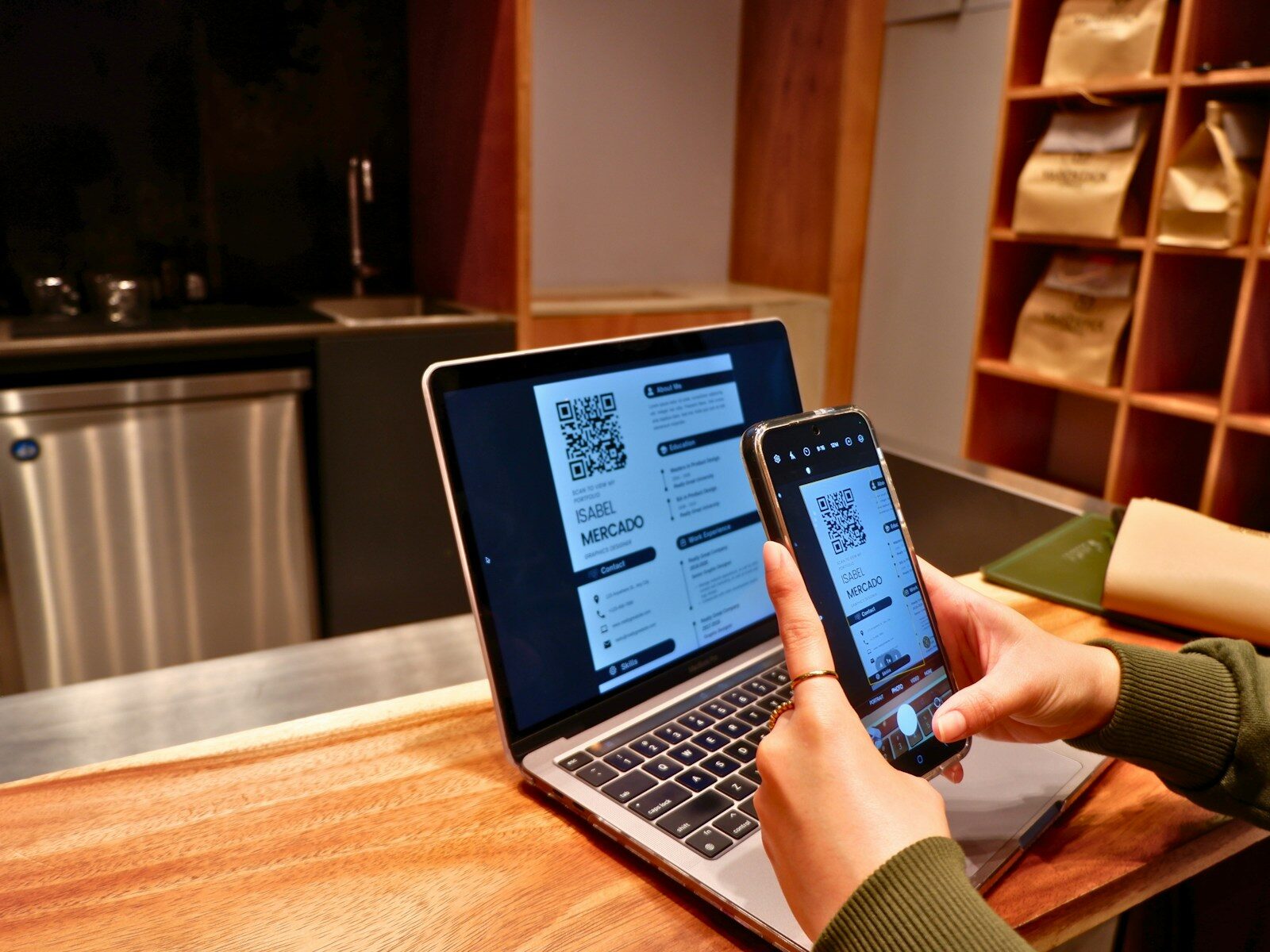
Modern web applications, e-commerce portals, and enterprise software suites must function flawlessly across thousands of diverse hardware configurations, operating systems, and display standards. Quality Assurance (QA) engineers and software developers are responsible for verifying that web interfaces, security gateways, payment checkouts, and media renderers perform consistently for users worldwide.
However, testing complex web applications from a single QA workstation presents significant technical limitations. Standard development browsers broadcast fixed hardware parameters, screen dimensions, and rendering capabilities, making it difficult to simulate how web software behaves under varied hardware conditions or strict anti-bot filters.
Limitations of Standard Development Environments
QA specialists frequently rely on built-in browser developer tools or device emulation modes to simulate mobile viewports and user agents. While these tools adjust layout dimensions, they do not modify deep system parameters. Underlying Canvas rendering capabilities, WebGL graphics signatures, AudioContext nodes, installed fonts, and system timezones remain unchanged.
When testing security-sensitive features—such as multi-factor authentication flows, fraud prevention gateways, or regional content delivery networks—standard dev tools fail to simulate authentic user environments. Security scripts detect the underlying desktop hardware, skewing QA test results and allowing device-specific bugs or anti-bot false positives to reach production deployments.
Simulating Authentic Client Setup with Profile Isolation
Ensuring thorough QA testing requires emulating authentic, fully consistent client device footprints. Utilizing a dedicated Private Browser built for multi-identity management enables QA teams to generate realistic testing environments on demand. Software solutions like NOID allow developers to construct distinct browser profiles equipped with unique hardware signatures, randomized rendering traits, matching timezones, and customizable extension states.
Because each QA profile functions within an isolated container, test sessions remain completely segregated. QA engineers can test how anti-fraud systems respond to different hardware profiles, verify localized checkout workflows, and assess user experience across diverse system configurations simultaneously.
Enhancing Software Testing Pipelines
Adopting dedicated profile separation software provides essential operational benefits for development and QA teams:
- Diverse Hardware Profiles: Generate realistic hardware fingerprints to test WebGL and Canvas rendering performance across varied graphics configurations.
- Isolated Test Storage: Maintain independent cookie, local storage, and cache states for each test scenario to prevent session bleeding.
- Script Automation Support: Integrate isolated browser profiles into automated testing workflows to evaluate web app performance at scale.
By incorporating robust profile isolation into QA workflows, software teams can detect edge-case vulnerabilities, validate security controls, and deliver reliable web applications to global users.


-

 Resources5 years ago
Why Companies Must Adopt Digital Documents
-

 Resources4 years ago
A Guide to Pickleball: The Latest, Greatest Sport You Might Not Know, But Should!
-

 Resources1 year ago
50 Best AI Free Tools in 2025 (Tried & Tested)
-

 Resources1 year ago
Get Paid $5000+ a month to write : Discover 30 Spectacular Websites That Reward Your Writing Effort