Blogs
Camera Processing Services: Benefits, Features, and Use Cases
Camera processing services improve visual quality, enable real time analytics, and power use cases from AR filters to industrial inspection. Learn benefits and features of camera processing services.


Camera processing services handle the full journey from pixel data to usable information or visual effects. They typically sit between camera hardware and your application logic and manage acquisition, enhancement, analysis, and delivery of frames or streams. When you design modern products that rely on vision, treating camera processing as a dedicated service layer gives you far more control over quality, latency, and scalability.
For SEO and product positioning, the term camera processing services usually covers cloud APIs, on device SDKs, and edge pipelines that process images and video in real time. As a result, the same concept applies whether you build a web app around uploaded photos or a native app that reacts live to a camera feed.
What Are Camera Processing Services
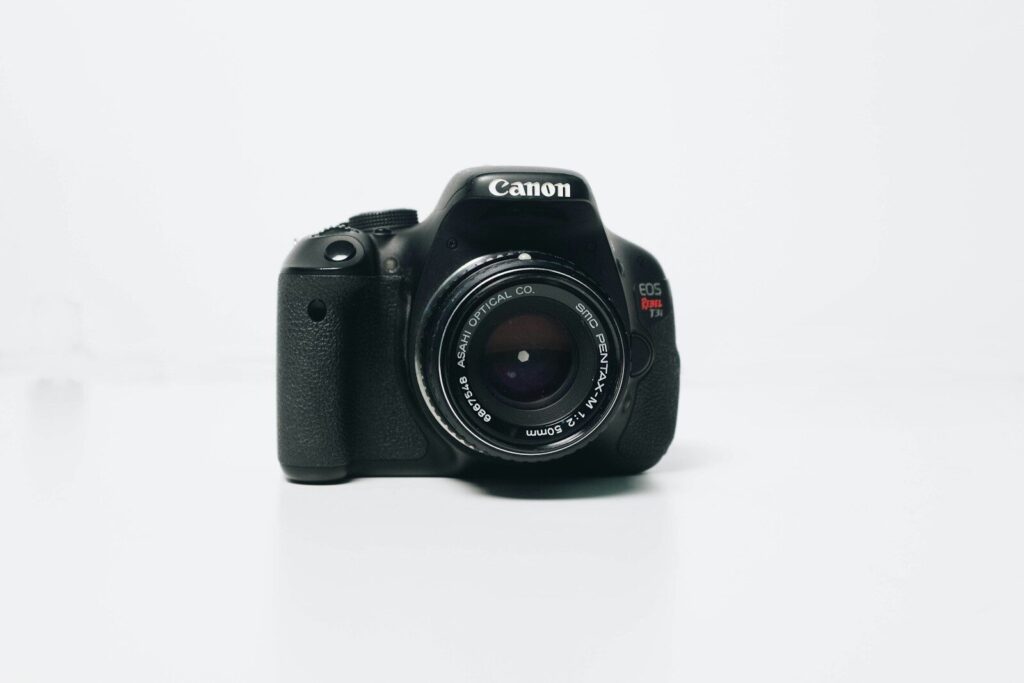
Camera processing services ingest frames from one or more cameras, apply transformations or analysis, then expose structured outputs to downstream systems. They can run entirely on device using a smart camera or SDK, on an edge box next to the camera, or in the cloud that aggregates feeds from many devices. The architecture choice changes cost and latency but the functional blocks are the same.
In practice, these services implement image correction, denoising, color adjustment, and inference tasks such as detection or tracking. This lets developers consume high level events or clean video instead of dealing with sensor quirks, lens artifacts, or raw pixel buffers. The service therefore becomes a reusable layer across multiple products.
Key Benefits of Camera Processing Services
The first obvious benefit is improved quality and consistency of captured images and video. In camera calibration and correction routines remove sensor noise, compensate for lens distortion, and stabilize brightness so models work on stable input instead of unpredictable frames. This directly improves accuracy of any visual analytics you run over the stream.
Secondly, processing services reduce host system load because they shift work closer to the source. Smart cameras and edge services can perform averaging, high dynamic range composition, or basic inference at higher bit depth and frame rate than a generic client. This means less data travels over the wire and the receiving system does simpler work on more compact payloads.
Another major benefit is lower end to end latency for interactive experiences. Real time filters, virtual try on, and augmented reality rely on tight processing loops from capture to display. When processing lives near the camera and exposes direct APIs, you can hit target frame times that would be impossible if all work happened in a remote backend.
From an operations perspective, camera processing services introduce better scalability and observability. Centralized or edge services can log metrics such as throughput, error rates, and model confidence, which you use to tune pipelines and plan capacity. Instead of each app embedding its own ad hoc code, you get a uniform surface that you can scale horizontally.
Core Features You Should Expect
Most camera processing services combine low level image corrections with higher level analytics. At the low level, expect features such as flat field correction, defect pixel masking, multi exposure fusion, and noise reduction. These improve the base signal so every subsequent algorithm sees clearer and more stable frames.
On top of that, they often provide color processing tools such as gamma adjustment, white balance, color space conversion, and calibration against reference charts. Accurate color matters for inspection, medical imaging, and consumer photo applications where perceived quality is critical. It also stabilizes downstream tasks such as segmentation.
Modern offerings add object classification, localization, detection, and tracking across images and video. These transform the service from pure processing into a computer vision platform. Instead of pixels, your application consumes bounding boxes, labels, tracks, and events, which simplifies integration and allows you to layer business logic on top.
For practical deployments, you also need optical character recognition and barcode reading. OCR lets systems extract text from labels or documents in the scene, while barcode and QR decoding support logistics and retail. Many services treat these as built in modules that can be turned on within a pipeline without deep model work.
Architectural Options For Camera Processing
| Option | Where Processing Happens | Latency Profile | Typical Use Cases |
|---|---|---|---|
| Option A | Inside smart camera or mobile SDK on device | Lowest latency since work stays near capture | AR filters, live video effects, fast industrial inspection |
| Option B | Edge gateway next to cameras | Low to medium latency with aggregation | Security systems, retail analytics, factory vision |
| Option C | Cloud based camera processing services | Higher latency but high scalability | Content moderation, batch analysis, media processing |
Option A relies on smart cameras or embedded SDKs that combine sensor, processor, and software in one unit. This design keeps the loop tight between capture and processing and suits scenarios that need instant response such as can inspection or interactive filters. However it limits heavy workloads that exceed the device capabilities.
Option B places processing at the edge, for example in a small server near a cluster of cameras. The edge device ingests multiple feeds, performs quality control and first stage analytics, then forwards only relevant data to a central platform. This balances latency and capacity and suits environments such as warehouses and factories.
Option C implements camera processing services in the cloud so it can scale elastically and share models across tenants. Cameras stream or upload data to the platform, which then runs quality enhancement, classification, and analytics tasks as needed. This option handles large archives and cross site analytics but cannot deliver strict real time for every frame.
Typical Use Cases Across Industries
In manufacturing, camera processing services power automated quality control and defect detection. Cameras watch production lines and the service flags deviations in shape, color, or surface texture. Because inspection is objective and repeatable, scrap rates fall and safety margins improve.
Logistics operations use cameras to scan entire pallets and read multiple codes from a single image. Processing services handle perspective correction and code detection then emit structured data for warehouse systems. This saves time compared with manual scanning and supports end to end traceability.
In consumer applications, camera processing services enable real time filters, background changes, and virtual try ons. Social and video apps rely on on device SDKs to transform the scene as the user records or streams. Good processing preserves clarity while adding effects, which increases engagement without overwhelming devices.
Healthcare uses camera processing to enhance diagnostic imaging and support telemedicine. Services can denoise ultrasound or endoscopy streams and highlight anomalies that clinicians might otherwise miss. Over time, models trained on large volumes of annotated data improve consistency of diagnosis.
Security and retail analytics depend on video processing platforms that perform object detection and behavior analysis in real time. By detecting intrusions or tracking foot traffic patterns, these systems help optimize layouts and allocate staff more efficiently. They also reduce reliance on constant human monitoring.
How Camera Processing Services Work End To End

From a developer perspective, the pipeline starts with frame acquisition from a camera using the relevant transport protocol. The processing layer receives frames or streams then applies basic correction steps to stabilize exposure, color, and geometry. These steps usually rely on calibrated parameters stored in the system.
Next, the service runs analysis tasks based on configured models and rules. This might include detecting faces, products, barcodes, or anomalies and tracking them across frames. The outputs are then packaged into events or structured payloads that downstream systems consume via APIs, message queues, or webhooks.
Finally, processed video or images may be returned for display or storage. Some services offer real time overlays of detected objects or apply filters to enhance the viewer experience. In other cases, the processed data is strictly analytical and the visual stream remains a separate channel.
Choosing The Right Camera Processing Services Stack
When you select a camera processing stack, start with latency and bandwidth constraints. Applications that demand immediate feedback from user actions benefit most from on device or edge processing, while batch analysis and moderation can tolerate cloud latency. Matching architecture to requirement avoids unnecessary complexity.
You should also evaluate model support and extensibility. Some camera processing services expose only a fixed set of features, while others allow you to plug in custom models or pipelines. For long term value, it is usually better to pick a system that lets you evolve use cases rather than one that locks you into current presets.
Cost structure matters as well since camera processing can generate large data volumes. True real time pipelines may require dedicated hardware and bring higher capital cost, while cloud services can charge per minute or per frame processed. It is worth modeling usage before committing to a platform to avoid surprise bills.
Lastly, consider how the service integrates with your existing stack such as web backends, mobile apps, and analytics tools. Clear APIs, SDKs, and documentation mean faster adoption across teams that build on top of camera processing. Over time, the service becomes a shared resource for multiple products rather than a single purpose tool.
SEO And Content Angles For Camera Processing Services
From an SEO perspective, the keyphrase camera processing services naturally targets B2B buyers searching for vision solutions. You can build topical authority by covering fundamentals such as benefits and features then going deeper into niche vertical use cases like industrial inspection or AR filters. This structure matches informational intent while hinting at commercial offerings.
Additionally, long form content can cluster related queries such as image processing services, video analytics platforms, and camera SDK integration. Internal links between these pieces reinforce your relevance for the broader vision technology theme. Over time this approach strengthens rankings for both generic and niche terms.
You should also target bottom funnel variants that include industry terms, for example camera processing services for retail analytics or camera processing services for telemedicine. These signal purchase intent and align with service pages or solution briefs. With clear technical explanations, you can convert visitors who already understand the space.



-

 Resources5 years ago
Why Companies Must Adopt Digital Documents
-

 Resources4 years ago
A Guide to Pickleball: The Latest, Greatest Sport You Might Not Know, But Should!
-

 Resources1 year ago
50 Best AI Free Tools in 2025 (Tried & Tested)
-

 Resources1 year ago
Get Paid $5000+ a month to write : Discover 30 Spectacular Websites That Reward Your Writing Effort