Resources
simpl.ai Review: Can One App Replace Your ChatGPT, Claude, and Gemini Tabs?

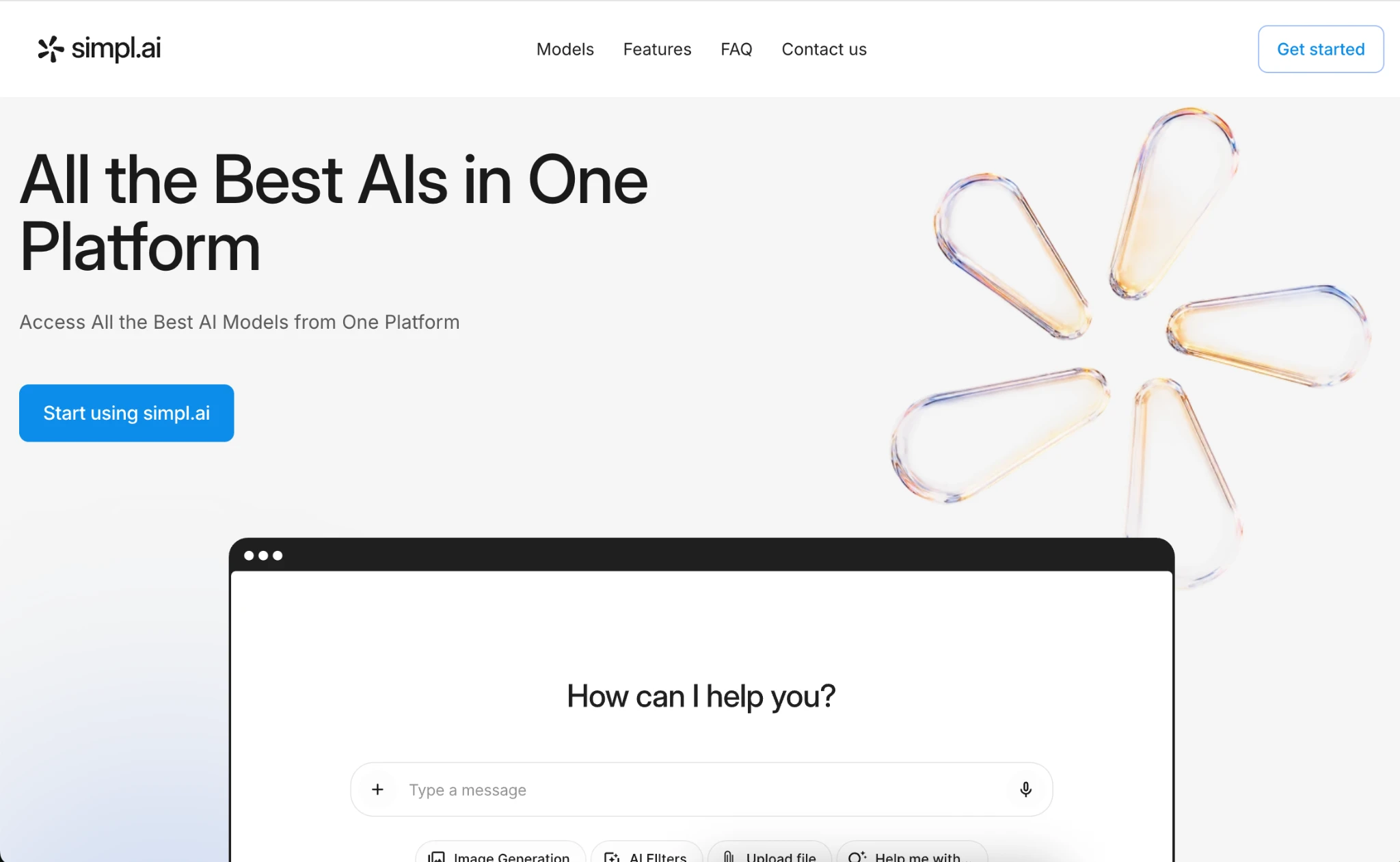
simpl.ai Review
Most people don’t use just one AI model anymore. One tab for ChatGPT, another for Claude, a third for Gemini when the first two give a mediocre answer. Add an image generator and a separate PDF summarizer, and you have five logins, five monthly charges, and five chat histories that never talk to each other.
That’s the problem simpl.ai is built around. One web platform, one login, Claude, GPT, Gemini, Grok, and a few others all behind the same chat window, plus image generation, live web search, and document chat on top. We used it the way we’d actually use it day to day, not just clicked around the homepage for a few minutes, and landed on 4.7 out of 5. We also checked external reviews on Trustindex and Reviews.io.
Genuinely convenient for anyone tired of juggling apps between tasks. A couple of small things kept it just short of perfect, more on those below.
Getting In the Door
No onboarding quiz, no “tell us about your team” survey before you’re allowed to type. You register, you’re in a chat window, you start typing. Single sign-on through Google, Facebook, or Outlook means one less password to forget.
Model picker up top, searchable history in the sidebar, and the extras (image tools, document upload, voice input) sit right next to the input box instead of buried somewhere.
The Model Lineup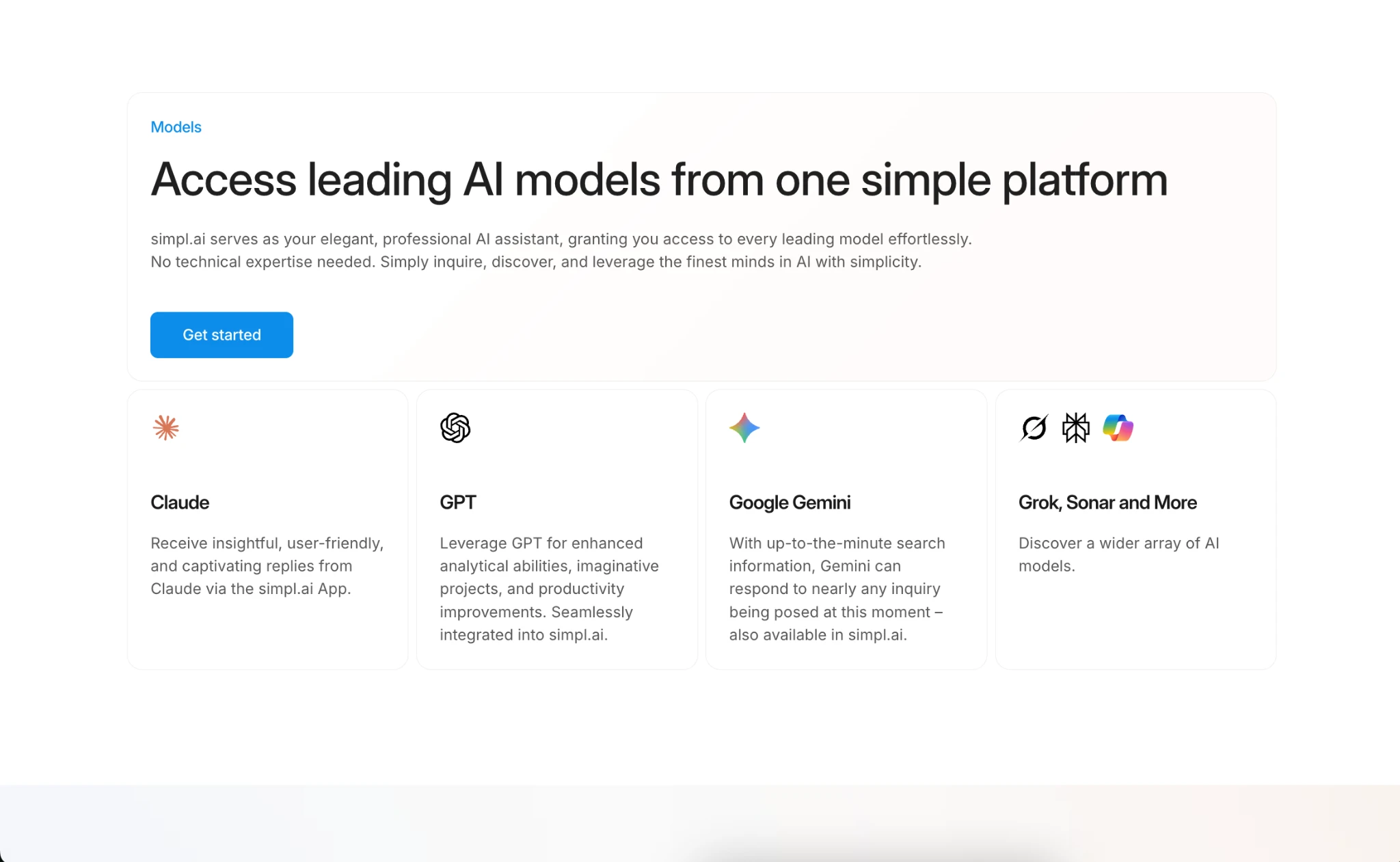
Model variety is the whole pitch, and it delivers. Claude leans toward thoughtful, conversational answers. GPT is the quick one, good for drafting or restructuring something messy. Gemini pulls in live search, so instead of a disclaimer about a training cutoff, it just checks. Grok and a smaller set of extras round things out for anyone who wants a different angle without starting over somewhere else, and the platform adds more models over time.
Switching takes one click, no new chat needed. Doesn’t sound like much until you’ve needed it. A coding answer that isn’t quite right, swap the model, ask again, still the same thread. That beats opening a new tab and retyping the whole question, losing whatever context the first model built up along the way.
What’s Bundled In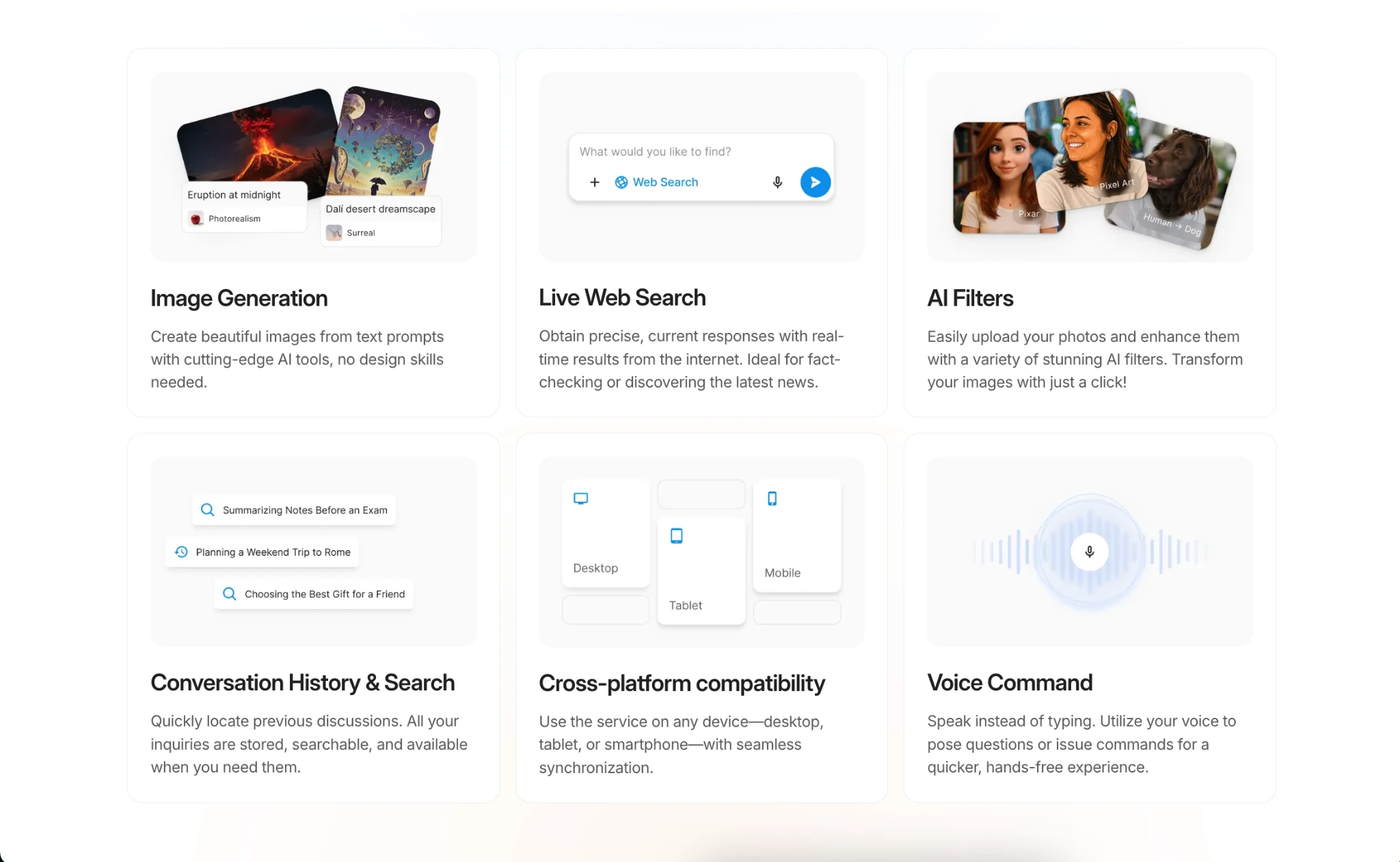
- Image generation — text-to-image plus filters for photos already on your device.
- Live web search — pulls current results instead of leaning on training data alone.
- Document chat — upload a PDF, ask about it directly, skip the copy-paste.
- Voice input — handy on mobile or mid-multitask.
- Searchable history — every chat saved automatically, favorites for anything worth keeping.
They all live in the same window rather than off in a separate tab somewhere, so it reads as one product instead of five features stapled together.
Putting It to Work
We ran real tasks through it: a PDF summary, a bit of marketing copy, an image for a mock presentation, and a fact-check that needed something current rather than a model’s memory.
The PDF work stood out most. Upload the file, ask about a specific clause, and get an answer grounded in the actual text instead of generic commentary about contracts in general. Skimming manually would’ve taken longer.
Live search made the difference on anything time-sensitive, sources attached, easy to double-check instead of taking an answer on faith. Image generation handled simple requests fine, product mockups and the like, though it’s not replacing a dedicated design tool for anything detailed. Fair enough, given it’s one feature among several rather than the whole point of the platform.
Instead of running the same prompt three separate times in three separate apps, one thread, one question, switch model, ask again. Made it a lot easier to actually compare the answers instead of flipping between tabs trying to remember what the last one said.
Support, Security, and Access
Support is listed as available around the clock, with a direct contact page rather than a help center article to dig through first, which matters for a platform aimed partly at non-technical users who want a real answer fast. On the security side, files go through SSL encryption on upload, data gets AES encryption at rest, and the platform shows up as verified by Google Safe Browsing. Account deletion is a settings menu away, and once it’s gone, it’s gone, no recovery option hiding somewhere. Nothing unusual for a modern web tool, but worth having spelled out plainly rather than buried in a terms page nobody opens.
It runs entirely in the browser too, nothing to install, and syncs across desktop, tablet, and phone automatically. The interface is also available in a long list of languages, a nice touch for teams where English isn’t everyone’s first language.
Who This Works Best For
Freelancers and small teams already paying for two or three separate AI tools are the clearest fit here, the ones most likely to feel that monthly stack of charges add up. Students comparing explanations across models for a tricky subject will get real mileage from the one-click switching too, no need to start a whole new sign-up just because one explanation didn’t land. And anyone regularly reading contracts, reports, or research papers will likely find the document chat alone worth the switch; it consistently beat manual skimming during testing.
Someone who only ever needs one model for one narrow task, say a specific coding framework, probably won’t notice much benefit from having four other models sitting one click away. The value here really scales with how varied your actual AI use already is.
How It Stacks Up
The obvious alternative is keeping Claude, ChatGPT, and Gemini as separate subscriptions and adding a standalone image tool on top. More granular control over each one’s specific settings, sure, but also more accounts to manage, more interfaces to relearn, and near-constant tab-switching to get through an ordinary task. For anyone who’d rather have one place to think, write, and search without all that back-and-forth, simpl.ai’s approach wins day-to-day.
Our Take
simpl.ai does what it says: one interface, several serious models, a handful of genuinely useful tools layered in, none of it requiring much technical know-how to figure out. Document chat and live search were the standouts, model-switching became second nature fast, and the rough edges were minor enough to not get in the way.
Our take: 4.7/5. Worth it for anyone tired of paying for and logging into separate AI tools, especially if document work or current search results are part of the routine. Power users leaning hard on one model’s advanced settings might still want a dedicated app for that one case. For most everyday work, having it all in one place is hard to beat.



-

 Resources5 years ago
Why Companies Must Adopt Digital Documents
-

 Resources4 years ago
A Guide to Pickleball: The Latest, Greatest Sport You Might Not Know, But Should!
-

 Resources1 year ago
50 Best AI Free Tools in 2025 (Tried & Tested)
-

 Resources1 year ago
Get Paid $5000+ a month to write : Discover 30 Spectacular Websites That Reward Your Writing Effort