Resources
How AI Design Tools Help Creators Make Better Visuals

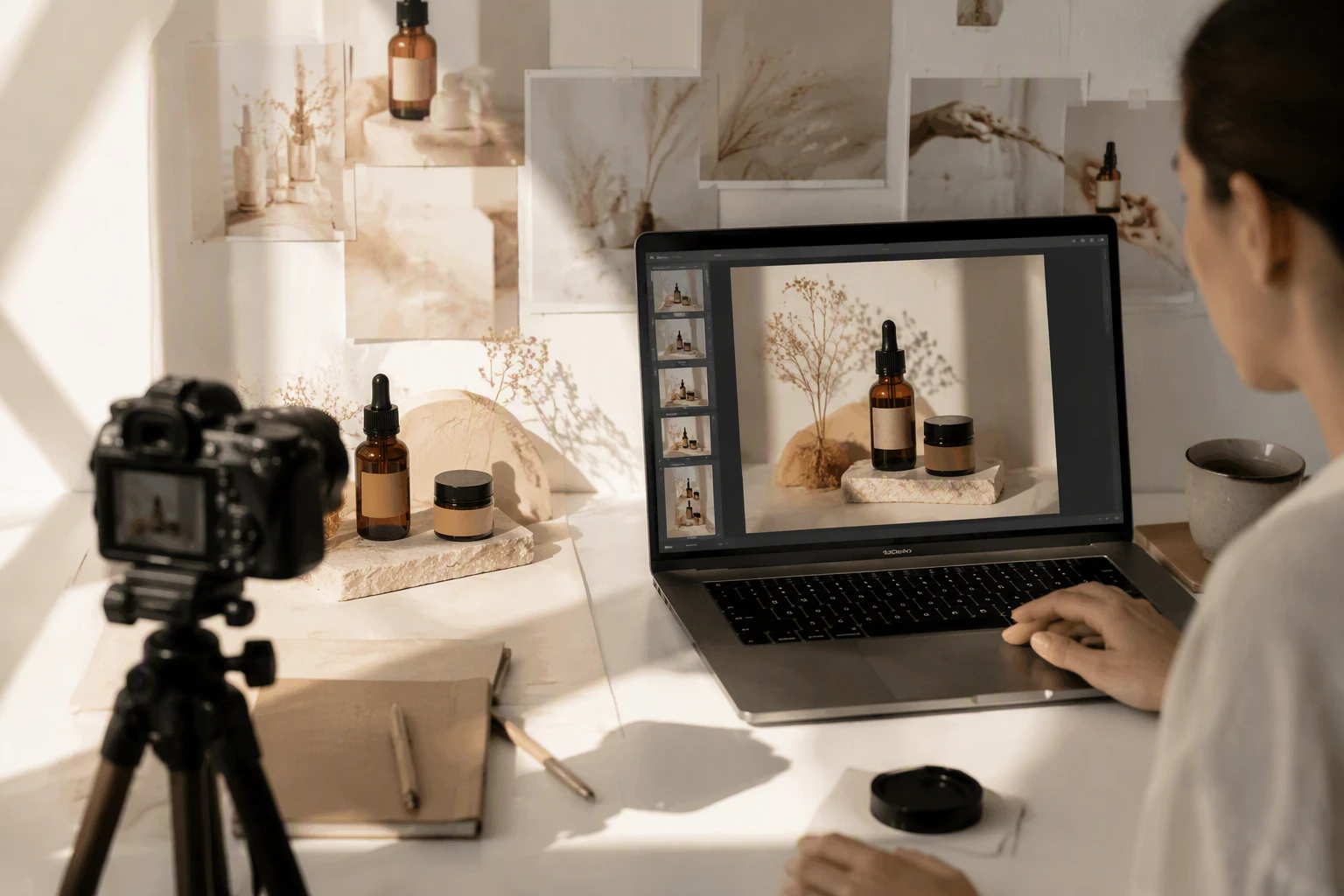
Creating high quality visuals often feels like a full time job on its own. You might spend hours trying to get the perfect lighting or removing a distracting object from the background. This process is slow and can stop your creative flow. You can now edit images with powerful AI tools to handle these tedious tasks in seconds. These tools use smart algorithms to understand what you want to achieve. They take over the repetitive parts of the design process so you can focus on the big ideas.
Many people think they need years of training to produce professional graphics. This is no longer the case because technology has become more intuitive. You can explore advanced creative workflows that were once only available to experts. These systems learn from millions of examples to help you choose the right colors, layouts, and styles. This shift means that anyone with a good idea can bring it to life without getting stuck in technical menus.
Use Case 1: Social Media Management at Scale
Social media managers are always under pressure to post new content. They often have to manage multiple accounts across different platforms like Instagram, LinkedIn, and Pinterest. Each platform has its own rules for image sizes and styles. In the past, a manager would have to crop and resize every single image manually. This took up a huge portion of their day.
With AI design tools, this process is much faster. A manager can upload one high quality photo and the AI will automatically create versions for every platform. It can even identify the most important part of the photo to ensure it stays in the frame. If the background does not match the brand aesthetic, the AI can swap it out for something more suitable. This allows the manager to spend more time on strategy and engagement instead of fighting with photo editing software.
Use Case 2: Real Estate Marketing and Virtual Staging
Real estate agents rely heavily on visuals to sell homes. A dark or cluttered room can turn away potential buyers before they even visit the property. However, hiring a professional stager to move furniture into a house is very expensive. It also takes a lot of time to coordinate. This is where AI tools provide a massive advantage for agents who need to move fast.
AI can take a photo of an empty, dimly lit room and transform it. It can add modern furniture, fix the lighting, and even change the view out of the window. The result is a bright, inviting space that helps buyers imagine themselves living there. This type of visual storytelling helps homes sell faster. It gives agents the ability to present a property in its best light without a massive upfront investment.
Use Case 3: Educational Content and Online Teaching
Teachers and online course creators need to make complex ideas easy to understand. They often use diagrams, charts, and infographics to help their students. If these visuals are messy or confusing, the lesson fails. Many educators are not trained designers, so they struggle to make their slides look professional. They might spend more time on the look of the presentation than on the actual teaching material.
AI design tools help educators by turning simple text into clear visuals. If a teacher needs an illustration of a biological cell or a historical map, they can use AI to generate a clean version. The tools can also suggest layouts that make the text easier to read. This ensures that the students stay focused on the information. It makes the learning experience better for everyone involved.
Benefits of AI Tools Across Different Scenarios
The impact of AI on visual content is clear when you look at the specific benefits for each type of creator. While the tasks differ, the underlying advantages remain the same.
| Scenario | Primary Benefit | Time Saved |
| Social Media | Brand Consistency | 5 to 10 hours per week |
| Real Estate | Visual Appeal | 2 to 3 days per listing |
| Education | Information Clarity | 4 hours per lesson |
For social media managers, the biggest benefit is consistency. AI ensures that every post uses the same color palette and font style. This builds trust with the audience. For real estate agents, the benefit is the emotional connection. A well edited photo creates a mood that a raw photo cannot. For educators, the benefit is accessibility. Clear visuals help students with different learning styles grasp difficult concepts more quickly.
A Practical Workflow for AI Enhanced Design
If you want to start using these tools, you do not need to change everything at once. You can follow a simple workflow to integrate AI into your current routine. This approach keeps you in control while letting the machine do the heavy lifting.
First, start with your core concept. You should have a clear idea of what you want to communicate. Upload your raw images or sketches into your chosen AI tool. This is the foundation of your project.
Second, use AI for the initial cleanup. This includes removing backgrounds, fixing the white balance, and upscaling low resolution images. These are the tasks that usually take the most time but require the least amount of creative thought. Let the AI handle the pixels while you think about the message.
Third, apply your brand or personal style. Most AI tools allow you to set specific themes. You can tell the tool to use certain colors or a specific artistic filter. This ensures that the final product looks like it came from you and not just a generic generator.
Fourth, review and refine the output. AI is very smart, but it is not perfect. You should always check the details. Look for any small errors in the image and fix them manually if needed. This final touch is what makes the content truly yours.
Finally, export your content for the specific platforms you use. Use the AI to generate different sizes and formats automatically. This saves you from having to repeat the entire process for every different social network or website.
Why AI is a Partner and Not a Replacement
There is often a fear that AI will replace human designers. This is unlikely because AI lacks the ability to understand human emotion and cultural context. A tool can make a photo look beautiful, but it cannot tell a story that resonates with a specific community. It does not know why a certain color might be offensive in one country but celebratory in another.
Creators who use AI are finding that they can do more than they ever thought possible. They are not losing their jobs. Instead, they are becoming more like creative directors. They spend less time moving sliders and more time thinking about the big picture. This shift allows for more experimentation. You can try out ten different ideas in the time it used to take to do one.
Conclusion
AI design tools are helping creators break through the barriers of time and technical skill. Whether you are managing a brand, selling a home, or teaching a class, these tools offer a way to make better visuals with less effort. They handle the boring, repetitive tasks so you can focus on being creative. By following a smart workflow and using AI as a partner, you can produce professional content that stands out. The future of design is not about choosing between humans and machines. It is about how humans use machines to reach new levels of creativity.




-

 Resources5 years ago
Why Companies Must Adopt Digital Documents
-

 Resources4 years ago
A Guide to Pickleball: The Latest, Greatest Sport You Might Not Know, But Should!
-

 Resources1 year ago
50 Best AI Free Tools in 2025 (Tried & Tested)
-

 Resources1 year ago
Get Paid $5000+ a month to write : Discover 30 Spectacular Websites That Reward Your Writing Effort