Fonts
Special Characters: The Complete Guide to Creative Text Online
Learn how special characters work, where to use them, and how to copy and paste Unicode styles for social media, gaming, and creative text.

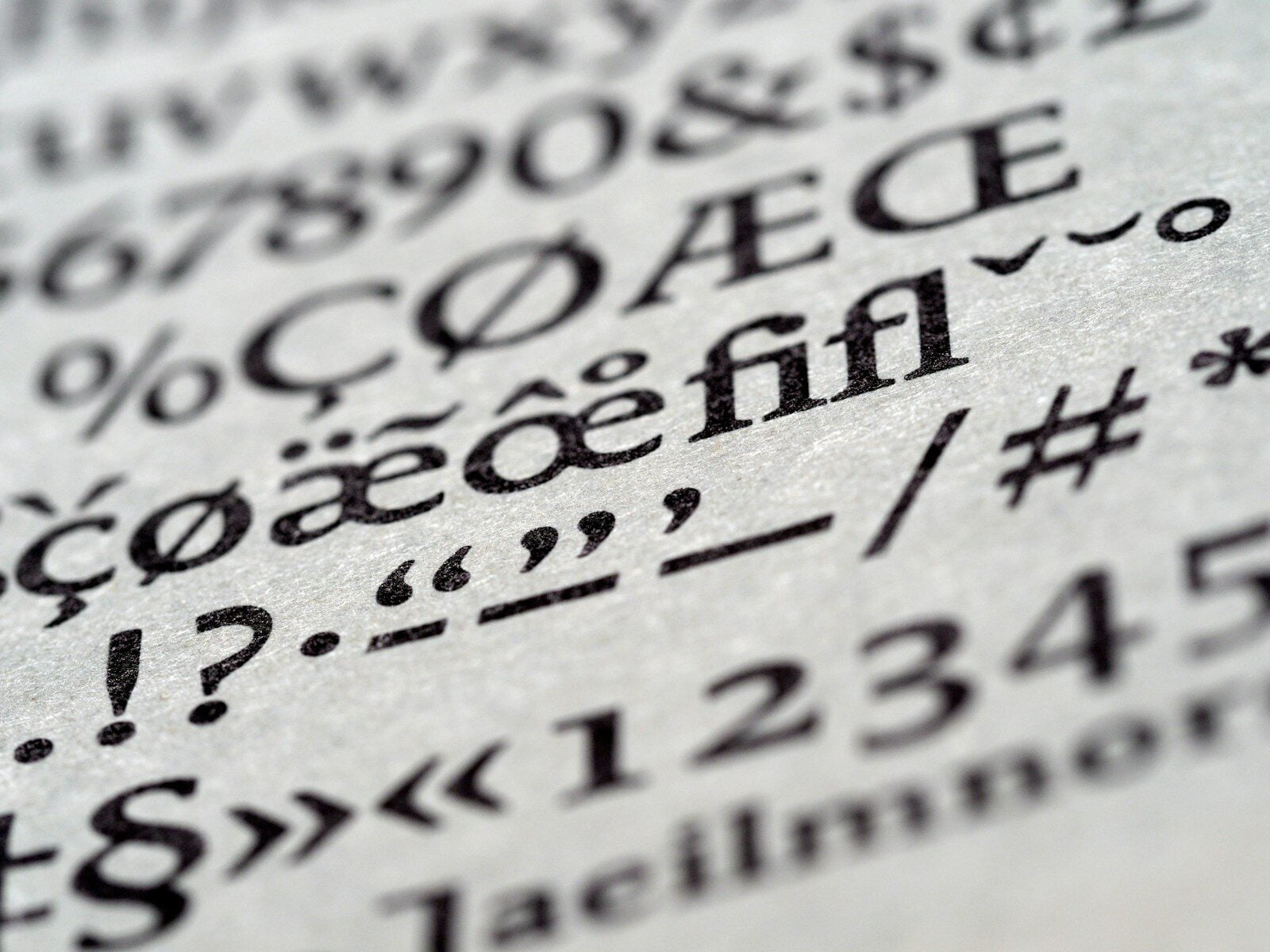
Special characters are symbols, glyphs, and Unicode variants that go far beyond the standard letters and numbers on your keyboard. From decorative arrows and mathematical symbols to stylized script letters and emoji-style icons, special characters give your text a unique visual identity that plain typing simply cannot achieve. Whether you use them in a social media bio, a gaming username, or a creative message, special characters instantly elevate your content.
Today, anyone can access hundreds of special characters for free using online tools. For example, the Fancy Text Generator lets you convert normal text into stunning Unicode-based special character styles in just a few seconds, with no technical knowledge needed.
What Are Special Characters?
Special characters refer to any character that falls outside the standard alphanumeric set of A to Z and 0 to 9. The term covers a wide range of symbols, including punctuation marks, currency signs, mathematical operators, decorative glyphs, and the thousands of stylized Unicode characters used in fancy text generation.
The Unicode standard, which is the global system for encoding text across all devices and languages, contains over 143,000 unique characters. Within this vast library, entire blocks are dedicated to special decorative and mathematical alphabets. These include bold letters, italic variants, cursive script, Gothic Fraktur, double-struck characters, and many more. Therefore, when a fancy text tool generates stylized output, it is drawing directly from this enormous Unicode library.
Types of Special Characters You Can Use
Special characters fall into several broad categories, each serving a different visual or communicative purpose. Understanding these categories helps you choose the right style for any context:
- Mathematical Alphanumeric Symbols: Unicode blocks containing bold, italic, script, Fraktur, and double-struck versions of every letter; these are the foundation of most fancy text styles
- Decorative symbols: Stars (★ ✦ ✧), hearts (♥ ❤ ♡), flowers (✿ ❀), and geometric shapes used as visual separators or accents in bios and posts
- Currency and legal symbols: Characters like ©, ®, ™, €, £, and ¥ that carry specific formal meanings
- Arrows and directional symbols: A wide range including ➜, ➳, ⇢, ➤, and ↳ used for visual flow and decoration in text layouts
- Combining characters: Special Unicode codes that layer above, below, or through existing letters to create strikethrough, underline, or glitch text effects
- Enclosing characters: Bubble letters (Ⓐ Ⓑ Ⓒ) and squared text (🅐 🅑 🅒) that wrap individual letters inside shapes
- Superscript and subscript: Tiny raised or lowered characters that add a minimalist typographic effect
How Special Characters Work Across Platforms
One of the most common questions about special characters is whether they display correctly everywhere. The answer depends on the Unicode support of the platform and device in question. However, virtually all modern social media platforms, messaging apps, and browsers fully support the Unicode character sets used in fancy text generation.
This is because special Unicode characters are not fonts in the traditional sense. They are actual characters encoded into the global text standard, similar to how the letter “A” is universally recognized. Therefore, when you paste special characters into Instagram, Discord, Twitter, WhatsApp, or TikTok, they appear exactly as intended, with no font installation required on the recipient’s device.
Older operating systems or outdated apps may occasionally display unsupported characters as empty boxes. However, this is increasingly rare as most devices now run software that supports the full Unicode 15 standard or later.
Special Characters for Social Media Bios
Social media bios are prime real estate for special characters. A well-crafted bio using decorative symbols and stylized Unicode letters immediately communicates personality before anyone reads a single word of your content. Additionally, since most social platforms do not support native text formatting in bio fields, special characters are the only way to achieve bold, italic, or decorative text in those spaces.
Here are some popular special character combinations used in social media bios:
- Separator lines: ────────── or ══════════ to divide bio sections cleanly
- Bullet alternatives: ✦ ➤ ⇢ ꒰ ꒱ used instead of standard dots for a more aesthetic look
- Name styling: Cursive or double-struck Unicode letters for the profile name field
- Decorative borders: ༉‧₊˚ or ·˚ ༘ ⋆ added around key phrases for an aesthetic frame
- Emphasis markers: ★ or ✿ placed before key achievements or interests
Special Characters for Gaming Usernames
The gaming community has embraced special characters more enthusiastically than almost any other online group. A username styled with Gothic Fraktur letters, surrounded by decorative symbols, immediately stands out in a player lobby and communicates a strong personal brand. Furthermore, since gaming platforms like Free Fire, PUBG Mobile, Roblox, and Steam all support Unicode in username fields, special characters work seamlessly without any extra steps.
Gothic letters like 𝔊𝔞𝔪𝔢𝔯, combined with flanking symbols such as ꧁ and ꧂, are among the most popular gaming username formats. Meanwhile, bubble letters and bold Unicode are popular on Discord for server names and role titles, where readability still matters alongside visual style.
How to Type and Copy Special Characters
Accessing special characters is easier than most people realize. There are several reliable methods depending on your device and use case:
- Online fancy text generators: The fastest method; type your text and instantly get hundreds of special character styles ready to copy with one click
- Character Map on Windows: A built-in tool (search “Character Map” in the Start menu) that lets you browse and copy individual Unicode characters
- Special Characters viewer on Mac: Press Control + Command + Space to open the emoji and symbols panel, which includes thousands of Unicode characters
- Keyboard shortcuts: On Windows, hold Alt and type a numeric code on the numpad to insert specific characters; on Mac, use Option key combinations for common symbols
- Copy-paste symbol libraries: Websites dedicated to cataloguing special characters by category, where you can browse and copy any symbol individually
For generating entire words or phrases in special character styles, an online generator is by far the most efficient approach. It handles the character mapping automatically and presents all available styles simultaneously.
Special Characters in Fancy Text Styles
Fancy text styles are essentially curated sets of special characters mapped to match the standard alphabet. Each style draws from a different Unicode block to produce a distinct visual result. Here is a breakdown of the most popular fancy text styles and the special character sets they use:
- Bold serif: Uses Mathematical Bold characters (𝐀 to 𝐙); produces thick, prominent letters ideal for emphasis
- Italic: Uses Mathematical Italic characters (𝐴 to 𝑍); creates elegant slanted text without actual italic formatting
- Cursive script: Uses Mathematical Script characters (𝒜 to 𝒵); produces flowing, handwritten-style letters
- Gothic Fraktur: Uses Mathematical Fraktur characters (𝔄 to 𝔷); creates a dramatic medieval blackletter appearance
- Double-struck: Uses Mathematical Double-Struck characters (𝔸 to 𝕫); produces outlined letters popular in mathematics and aesthetic content
- Monospace: Uses Mathematical Monospace characters; gives a typewriter or code-style appearance
- Glitch or Zalgo: Uses combining diacritic characters layered on top of standard letters to create a distorted, chaotic visual effect
Special Characters for Business and Branding
Beyond personal social media use, special characters offer practical value for businesses and content creators. Brands can use decorative symbols as consistent visual elements throughout their social presence, creating a recognizable aesthetic without investing in custom graphic design. For instance, a consistent use of ★ or ✦ as bullet points across all posts reinforces visual identity over time.
Email marketers also use special characters strategically. Symbols like ✅, 🔥, or ➤ in email subject lines can increase open rates by making the message visually distinct in a crowded inbox. However, it is important to test rendering across different email clients first, as some older clients handle Unicode symbols inconsistently.
Additionally, content creators who write blog titles or YouTube video titles sometimes use special Unicode characters to add visual weight to their headings. Bold Unicode letters in a title, for example, draw the eye more effectively than plain text in certain contexts.
Common Special Characters and Their Uses
Some special characters appear across virtually every online context because of their versatility and visual clarity. Here is a reference guide to some of the most widely used ones:
- ★ ☆ ✦ ✧: Stars used as decorative accents, rating indicators, or bio separators
- ♥ ❤ ♡: Heart symbols expressing emotion, brand warmth, or aesthetic style
- ➜ ➤ ➳ ⇢: Arrow symbols directing attention or replacing standard bullet points
- © ® ™: Legal symbols indicating copyright, registered trademark, or trademark status
- – · ◦ ◾: Bullet variants for cleaner list formatting in plain text fields
- 〖 〗 ꧁ ꧂: Decorative bracket-style symbols popular in gaming usernames and aesthetic bios
- ° ℃ ℉: Degree and temperature symbols for technical or weather-related content
- ∞ ≈ ≠ ±: Mathematical symbols that also serve as aesthetic or conceptual decorations
Special Characters and SEO Considerations
When using special characters in online content, it helps to understand how search engines handle them. Google and other major search engines can read most Unicode characters as text. However, highly decorative or obscure characters may not be indexed accurately as their plain-text equivalents. Therefore, for SEO-critical content like article headings, product names, and meta descriptions, standard plain text remains the safest choice.
In contrast, special characters in social media profiles, usernames, and non-indexed content carry no SEO risk and offer pure visual benefit. Additionally, using symbols like ✅ or ★ in structured data markup, email previews, and social captions can improve click-through rates, which indirectly supports content performance.
Frequently Asked Questions About Special Characters
Are special characters the same as emojis?
Not exactly. Emojis are a specific subset of Unicode characters designed to represent faces, objects, and concepts visually. Special characters is a broader term that includes emojis as well as symbols, mathematical characters, decorative glyphs, and stylized text variants. Both belong to the Unicode standard, but they occupy different character blocks.
Can I use special characters in my website’s HTML?
Yes. Unicode special characters paste directly into HTML editors and display correctly in all modern browsers. You can also use HTML character entities for specific symbols; for example, © renders as ©. For most decorative purposes, however, directly pasting the Unicode character is simpler and equally reliable.
Do special characters slow down a webpage?
No. Unicode characters are just text data and add negligible weight to any page. They do not require additional CSS, fonts, or scripts to render. Therefore, there is no performance penalty for using special characters in web content.
Why do some special characters look different on iPhone versus Android?
Apple and Google each design their own visual representations of Unicode characters, particularly for emojis and some symbol blocks. While the underlying character code is identical, the visual rendering varies slightly between operating systems. For most special characters used in fancy text, however, the difference is minimal or nonexistent.
Bring Your Text to Life with Special Characters
Special characters are one of the most accessible and versatile tools available for anyone who communicates online. They require no design expertise, no paid software, and no technical setup. With the right generator, you can transform any plain word or phrase into a visually striking piece of text that works everywhere.
Whether you are building a personal brand on social media, crafting a memorable gaming username, decorating a business profile, or simply making your messages more expressive, special characters give you a creative edge that plain text never can. Start exploring the full range of styles and symbols available to you and discover how much a few clever characters can change the way your words look and feel.



-

 Resources5 years ago
Why Companies Must Adopt Digital Documents
-

 Resources4 years ago
A Guide to Pickleball: The Latest, Greatest Sport You Might Not Know, But Should!
-

 Resources1 year ago
50 Best AI Free Tools in 2025 (Tried & Tested)
-

 Resources1 year ago
Get Paid $5000+ a month to write : Discover 30 Spectacular Websites That Reward Your Writing Effort