Tips and support
Issuu PDF Downloader – How to Safely Save Documents Offline

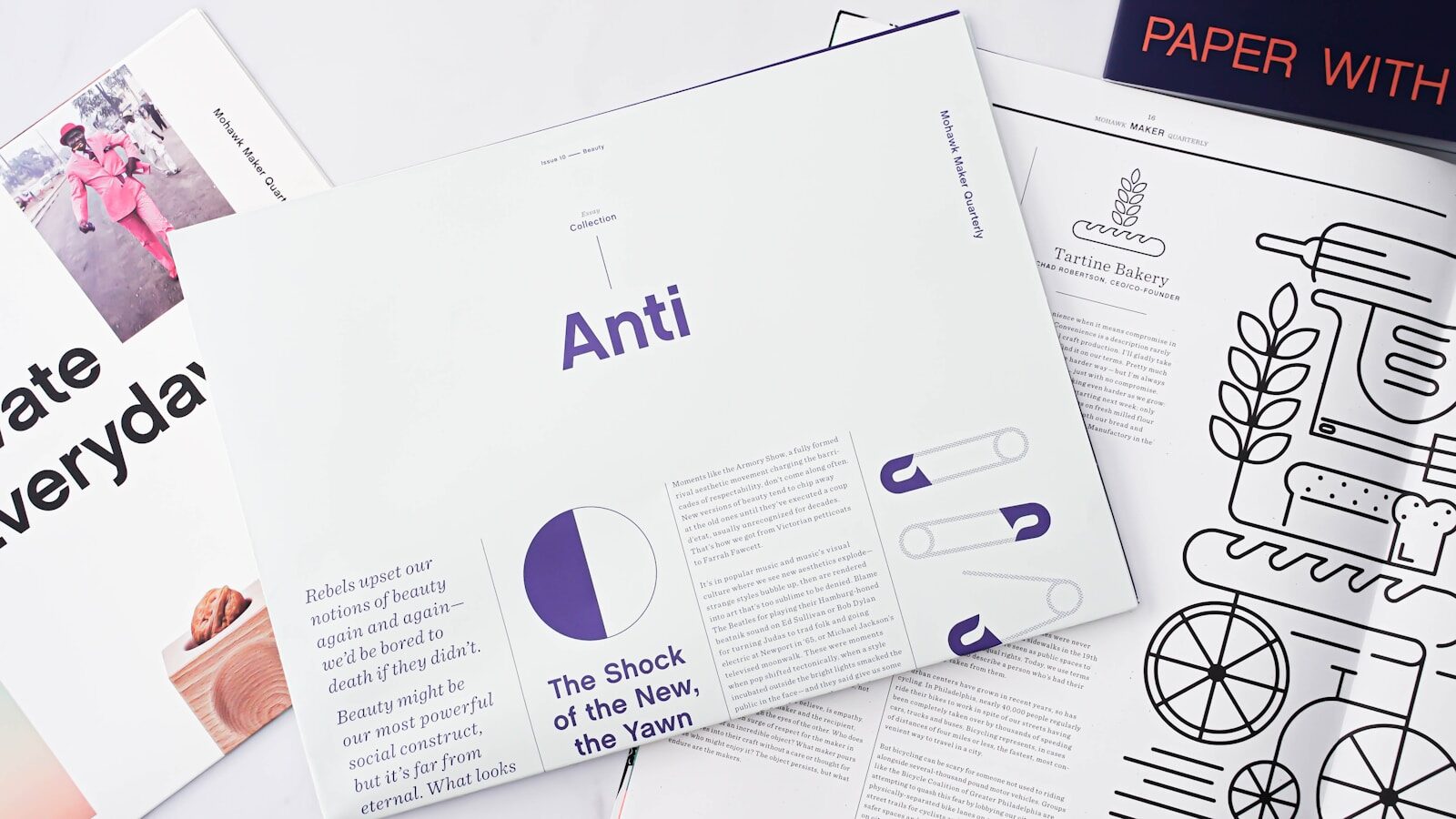
If you have ever tried to save a research paper, lookbook, or magazine for offline reading, you know how frustrating it is to find the download button blocked. Publishers on Issuu frequently disable direct downloads to keep readers on the platform or protect their premium content. Fortunately, using a reliable issuu pdf downloader strategy allows you to access these documents legally and safely whenever you are away from an internet connection.
+---------------------------+-------------------------------+------------------------------+
| Method                    | Safety Profile                | Best For                     |
+---------------------------+-------------------------------+------------------------------+
| Official Download Button  | 100% Safe (Native Feature)    | Publicly permitted files     |
+---------------------------+-------------------------------+------------------------------+
| Browser Developer Tools   | High Safety (No third-party)  | Tech-savvy offline archiving |
+---------------------------+-------------------------------+------------------------------+
| Online Extraction Tools   | Variable (Risk of malware/ads)| Quick, single-use downloads  |
+---------------------------+-------------------------------+------------------------------+
Quick Warning: Always check the copyright status of the file before extracting it. Downloading copyrighted materials without explicit permission violates the platform’s terms of service and intellectual property laws.
Why You Need an Issuu PDF Downloader Strategy
Issuu serves as a massive digital publishing hub hosting millions of magazines, catalogs, and newspapers. The platform relies on an interactive HTML5 reader to display documents smoothly inside your web browser.
While this cloud-based reading experience works perfectly on a desktop with a stable fiber connection, it quickly falls apart when you travel. Trying to load a high-resolution, image-heavy digital magazine on spotty airplane Wi-Fi or weak mobile data leads to endless buffering and broken pages.
By utilizing a secure method to save files offline, you eliminate data consumption entirely. You can store documents directly on your tablet, smartphone, or laptop to read them smoothly at your own pace.
The Official Method: Downloading Directly From Issuu
Before you turn to external tools, check if the publisher enabled direct downloads. Many creators intentionally leave this feature active to maximize the distribution of their media kits, catalogs, or open-access journals.
- Step 1: Navigate to the specific publication page on the official website.
- Step 2: Look directly below the interactive reading pane for the control toolbar.
- Step 3: If permitted, a visible Download button will appear next to the share options. Click it to save the original file instantly.
If the button is missing, the publisher locked the document to the platform. In these instances, you will need an alternative workflow to save the pages for your personal research.
Browser-Based Extraction: The Safest Tool-Free Alternative
When the official download button disappears, web scraping via your browser’s built-in developer tools is the cleanest workaround. This approach requires no external software installations, completely protecting your machine from malicious scripts.
Step 1: Open the Network Inspector
Open the target publication in Google Chrome or Mozilla Firefox. Right-click anywhere on the page and select Inspect, then switch immediately to the Network tab.
Step 2: Locate the Page Assets
Refresh the webpage and flip through the first few pages of the document. Filter the network traffic by selecting Img (Images) or Fetch/XHR. You will notice high-resolution page elements loading sequentially as SVG or JPEG files.
Step 3: Save and Combine
Right-click the individual page URLs to open them in a new tab, then save them directly to your local drive. Once you compile all the pages, you can merge them into a unified document using standard offline tools like Adobe Acrobat or preview applications.
Evaluating Third-Party Online Extraction Tools
If you search online, you will find dozens of websites offering instant extraction services. These platforms require you to paste the document URL into a text field to generate a download link.
While these web apps deliver speed, they come with substantial security risks. A significant percentage of free extraction platforms monetize their traffic through aggressive ad networks, deceptive download buttons, and malicious scripts.
If you decide to use these services, ensure your antivirus software remains active. Avoid downloading any file extensions that end in .exe or .bat, as a genuine document will always export strictly as a .pdf file.
Understanding Copyright and Legal Boundaries
When you extract files from the web, you must stay mindful of digital rights management. Creators invest substantial time and money into generating their publications, often relying on digital sales to fund their operations.
The U.S. Copyright Office explicitly protects original digital expressions, meaning unauthorized redistribution of copyright-protected material is illegal. Extracting a document for personal, offline archival use typically falls under fair use guidelines, but sharing that file publicly or re-uploading it online constitutes infringement.
Furthermore, the Electronic Frontier Foundation consistently emphasizes the importance of preserving consumer digital fair use rights while respecting creator protections. If you intend to use the text or images for a public project, always reach out to the original publisher to secure explicit written consent.
Optimizing Extracted Files for Mobile Reading
Once you successfully acquire your document, it may suffer from an excessively large file size. High-resolution graphics can quickly clutter your local storage and slow down older mobile devices.
Compress the File Size
Pass the file through a local compression tool to lower the resolution of the embedded images to 150 DPI. This optimization significantly reduces the footprint on your drive while preserving crisp text legibility on small screens.
Apply Optical Character Recognition (OCR)
Many extraction methods turn the document text into static images, making it impossible to highlight sentences or search for specific terms. Running an OCR tool over the file converts those flat images back into interactive, searchable text strings.
Troubleshooting Common Download Errors
Sometimes your extraction attempt hits an unexpected roadblock. Understanding why these errors happen helps you adjust your approach without corrupting the file.
Broken Page Links
If your document cuts off halfway through, it usually means the interactive viewer timed out. Clear your browser cache, reload the page, and let the entire document load in the viewer before starting your extraction process.
Low-Resolution Output
If the exported text looks blurry or pixelated, you likely grabbed the low-res thumbnail preview images instead of the full-sized assets. Re-examine your network tab to ensure you pull the source files displaying maximum pixel dimensions.
Alternative Platforms for Digital Publishing
If the restrictions on Issuu complicate your research workflows, several alternative digital libraries offer different open-access models. Exploring these networks can widen your search options.
- Scribd: Features a massive library of user-contributed documents, books, and sheet music alongside an official offline reading application.
- SlideShare: Focuses heavily on professional presentations, infographics, and educational slide decks, with native download permissions on most files.
- Archive.org: A massive digital archive providing millions of completely free, downloadable books and public domain texts.
Summary Checklist for Offline Archiving
To keep your digital library clean and accessible, follow this quick checklist for every publication you archive:
- Verify if the official download button is active underneath the publication window.
- Confirm the file is intended for personal, fair use educational tracking.
- Use browser developer tools first to keep your system free of tracking cookies.
- Compress the final file to preserve local storage capacity on your mobile device.
- Run an OCR pass so you can easily search for text strings during future study sessions.



-

 Resources5 years ago
Why Companies Must Adopt Digital Documents
-

 Resources4 years ago
A Guide to Pickleball: The Latest, Greatest Sport You Might Not Know, But Should!
-

 Resources1 year ago
50 Best AI Free Tools in 2025 (Tried & Tested)
-

 Resources11 months ago
Get Paid $5000+ a month to write : Discover 30 Spectacular Websites That Reward Your Writing Effort