Resources
8 Best Hotdesking Software Solutions

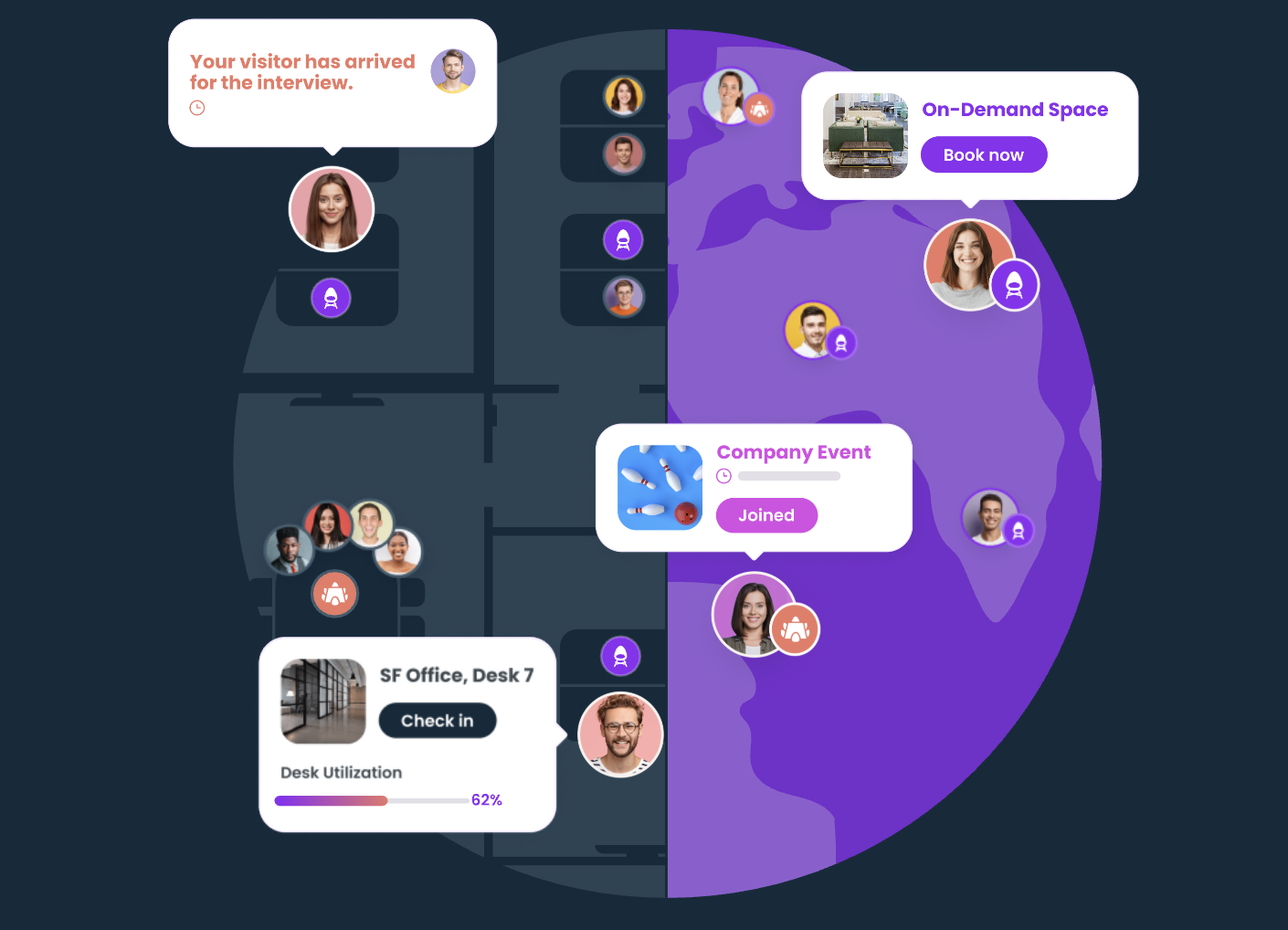
The widespread adoption of hybrid workplace models has permanently altered corporate real estate dynamics. Fixed cubicles and assigned seating assignments increasingly sit vacant for substantial portions of the workweek, generating unnecessary lease overhead while failing to support collaborative workflows. Workplace managers, corporate real estate directors, and people operations leaders face the challenge of providing flexible, on-demand seating without introducing friction, desk hogging, or chaotic office commutes.
8 Best Hotdesking Software Solutions
1. Gable
Gable provides a workplace management and flexible space booking platform engineered to unify headquarters hotdesking, satellite hub coordination, and external flex space management into a single platform. Built to support modern hybrid and distributed operations, Gable allows enterprise employees to view interactive digital floor plans, reserve workstations alongside colleagues, and coordinate in-office schedules with zero friction. The platform links internal workplace desks directly with external on-demand spaces, giving companies complete visibility over real-time workforce distribution.
Beyond standard desk reservations, Gable functions as an operational workspace engine for human resources and real estate executives. Its administrative dashboards provide granular spatial analytics, tracking peak office days, individual department booking habits, and desk utilization metrics across multiple corporate locations. By deploying customizable neighborhoods, automated check-in confirmations, and deep communication integrations via Slack and Microsoft Teams, Gable helps organizations balance office foot traffic, curb real estate costs, and foster natural in-person team collaboration.
- Unified Internal and External Seating: Reserve internal headquarters desks, private meeting spaces, and verified third-party flexible workspace inventory within the same app.
- Interactive Dynamic Floor Plans: Real-time visual floor layouts with customized filtering for standing desks, dual monitors, quiet pods, and wheelchair accessibility.
- Social Discovery & In-Office Sync: Displays coworker office presence and scheduled desk locations, allowing teammates to coordinate anchor days and sit together.
- Portfolio Utilization Intelligence: Delivers actionable data on desk capacity, no-show percentages, and departmental space demands to guide commercial lease renewals.
2. Robin
Robin provides an established workplace experience platform designed to streamline office hoteling, desk booking, and conference room scheduling. With an emphasis on reducing workplace administrative overhead, Robin equips organizations with interactive office maps accessible via mobile applications, web browsers, and desktop integrations. The platform focuses heavily on eliminating abandoned desks through automated release features, ensuring unused inventory is instantly made available to other teammates during busy office days.
For enterprise facilities teams, Robin delivers robust space management tools that simplify neighborhood zoning and seating assignment adjustments. Administrators can assign specific desks to designated departments, implement strict booking windows, and review heatmaps illustrating which office zones receive heavy usage. This level of visibility enables operational teams to reconfigure underutilized square footage into collaborative project lounges or phone booths based on verified employee demand.
- Automated Abandoned Desk Release: Automatically cancels reservations and frees up desk capacity when employees fail to check in via mobile or QR code.
- Departmental Neighborhood Allocation: Allows administrators to partition open floor plans into designated zones reserved for specific teams or operational squads.
- Comprehensive Space Analytics: Generates operational heatmaps and time-series reports measuring average desk dwell time, peak usage, and reservation frequency.
- Native Ecosystem Integrations: Connects directly with Google Workspace, Microsoft 365, Slack, and common single sign-on (SSO) identity providers.
3. Envoy
Envoy provides an integrated workplace platform that combines hotdesking tools with visitor management, package deliveries, and room scheduling. Known for its unified workplace ecosystem, Envoy Desks allows employees to select and reserve workspaces on demand or in advance directly from an interactive office map. The system links desk availability to workplace arrivals, ensuring that desks are reserved only when employees are actively on-site.
For security, IT, and workplace operations professionals, Envoy centralizes office management within a single administrative console. Integrating desk reservations with physical security and visitor registration allows facilities managers to maintain accurate emergency muster rolls, track localized occupancy caps, and optimize daily operations based on real-time foot traffic data.
- Integrated Workplace Ecosystem: Links desk allocations directly with digital visitor logs, enterprise mailrooms, and facility access permissions.
- Touchless Arrival & Auto-Assignment: Assigns desks automatically upon physical badge swipe or QR check-in, streamlining mornings for unscheduled drop-in visitors.
- Configurable Desk Amenities: Details specific desk equipment, including docking station connectivity, monitor counts, and ergonomic accessories within maps.
- Capacity and Health Screening Controls: Enforces daily attendance limits and compliance screenings prior to confirming an on-site desk booking.
4. Kadence
Kadence develops a hybrid workplace coordination platform that centers on human connections, team schedules, and flexible space scheduling. Rather than treating desks as static corporate inventory, Kadence emphasizes people-first scheduling, helping cross-functional teams synchronize their schedules around shared in-office goals. Employees can designate favorite coworkers, identify when their team plans to be on-site, and reserve adjacent desks with minimal effort.
From an administrative standpoint, Kadence provides facilities and human resources managers with tools to govern flexible hybrid policies. The software allows operations teams to configure team anchor days, mandate minimum in-office attendance thresholds, and monitor departmental compliance without introducing manual managerial tracking. Its streamlined mobile interface ensures that employees can plan their week and reserve seating in seconds.
- People-Centric Team Scheduling: Suggests optimal in-office days and desk clusters based on colleague schedules and cross-functional project pairings.
- Smart Neighborhood Governance: Grants team leaders the autonomy to reserve, reallocate, or open up departmental pods based on dynamic project phases.
- Two-Way Calendar Synchronization: Syncs desk reservations instantly with Google Calendar and Microsoft Outlook schedules to eliminate scheduling conflicts.
- Hybrid Attendance Tracking: Measures actual employee attendance against established company hybrid policies and team attendance guidelines.
5. OfficeRnD Workplace
OfficeRnD Workplace provides a flexible seating and space management platform built specifically to support dynamic hybrid operations and modern desk hoteling. Developed by workplace technology specialists, the system provides high-fidelity digital representations of corporate layouts, allowing employees to select desks, private call pods, and collaboration tables. The software supports both hotdesking (on-demand booking) and office hoteling (advance scheduling), accommodating diverse enterprise scheduling styles.
The platform provides workplace strategists with detailed analytical reporting covering space usage, capacity margins, and occupancy fluctuations throughout the week. Administrators can create flexible booking parameters, such as restricting specific floors during low-attendance days to conserve energy and reduce localized janitorial costs. Its administrative rules engine provides granular control over who can book specific zones across global office portfolios.
- High-Fidelity Floorplan Visualizer: Provides clear, visually detailed architectural floor plan renderings with custom status indicators and amenity markers.
- Flexible Seating Policies: Supports simultaneous deployment of permanently assigned desks, rolling weekly hoteling reservations, and daily hotdesking.
- Energy-Conscious Floor Closures: Allows administrators to lock off underutilized office wings on low-traffic days to reduce facility utilities and maintenance.
- Granular Booking Permissions: Configures specific reservation permissions based on user groups, seniority, employment type, or client account teams.
6. Skedda
Skedda offers a visual space scheduling and booking automation platform built to manage desks, meeting rooms, studios, and various shared physical spaces. Utilizing an interactive grid and floor plan layout, Skedda focuses on automating complex booking rules, pricing tiers, and quota limits. The platform is widely recognized for its visual layout design, which allows employees and external members to reserve desks through clean, mobile-optimized map interfaces.
Skedda’s core strength lies in its customizable automation engine, which handles recurring reservations, user booking caps, and fair-access rules without requiring manual oversight. Workplace managers can set strict limits to prevent individual power-users from monopolizing coveted window seats or quiet zones, establishing an equitable hotdesking system across shared office environments.
- Rule-Based Automation Engine: Automatically enforces user quotas, booking durations, cancellation windows, and scheduling buffers.
- Interactive Floorplan Visualizer: Converts custom architectural blueprints into color-coded, interactive booking maps with instant availability status.
- Fair-Access Management: Prevents individual team members from over-booking premium desk spaces through customizable allowance caps.
- Self-Service User Management: Allows employees and guests to manage, modify, and cancel their own workstation reservations independently.
7. Archie
Archie provides a modern hybrid workplace platform engineered to simplify desk booking, conference room management, and workplace operations for mid-market and enterprise organizations. With a clean, user-friendly interface, Archie lets employees reserve desks, search for teammates on digital floor plans, and access physical facilities via mobile credentials. The platform prioritizes rapid onboarding, allowing distributed teams to adopt hotdesking workflows without extensive training.
For administrative leaders, Archie acts as a centralized dashboard for managing physical space logistics, day-to-day facilities, and occupancy thresholds. The software includes built-in contactless check-in systems, contract management, and integrations with access control systems, helping operations teams maintain visibility over who is inside the facility. Its reporting tools provide ongoing visibility into spatial ROI, helping leadership make informed real estate consolidation decisions.
- Mobile-First User Experience: Clean, intuitive iOS and Android applications designed for rapid desk selection and colleague discovery.
- Integrated Access Control: Integrates with physical digital door locks and security turnstiles to automate on-site check-ins.
- Automated Contactless Sign-In: Uses dynamic QR codes positioned directly on physical desks for rapid check-ins and check-outs.
- Multi-Location Overview: Centralizes desk inventory, employee directories, and utilization reports across multiple office branches worldwide.
8. WorkInSync
WorkInSync provides an enterprise workplace management platform engineered to optimize the hybrid employee experience and streamline facility operations. The software features an extensive hotdesking engine that supports interactive 3D floor mapping, neighborhood assignments, desk sanitization schedules, and commute assistance. WorkInSync allows employees to plan their office days around preferred desks, available parking stalls, and cross-team collaborations.
At the enterprise level, WorkInSync provides workplace leaders with centralized oversight of large-scale, multi-floor real estate portfolios. The platform includes tools to manage hygiene protocols by automatically locking desks for sanitization after use, monitoring air quality thresholds through IoT integrations, and tracking real estate footprints against dynamic occupancy trends. Its enterprise security architecture makes it a trusted solution for regulated banking, technology, and healthcare companies.
- Interactive 3D Floor Maps: Visualizes multi-story campus layouts with real-time desk occupancy, amenity indicators, and colleague locations.
- Automated Sanitization Scheduling: Triggers automated cleaning tasks and temporarily locks workstations after employee check-out to maintain hygiene standards.
- Integrated Commute & Parking Booking: Allows employees to reserve corporate parking spots, EV charging stations, and shuttle seats alongside their desks.
- Enterprise Security and Compliance: Implements rigorous data encryption, SOC 2 compliance, and audit logging for large multinational corporate deployments.
Frequently Asked Questions
What is the difference between hotdesking and office hoteling?
Hotdesking typically refers to an on-demand, first-come, first-served seating arrangement where employees claim any available workstation upon their arrival at the office. Office hoteling introduces a structured reservation model, allowing employees to view dynamic floor plans and book a specific desk hours, days, or weeks in advance. Most modern workplace management platforms support both approaches concurrently within the same office floor plan.
How do hotdesking platforms prevent “ghost bookings”?
Hotdesking software eliminates ghost bookings through automated check-in triggers and time-based release policies. When an employee reserves a desk, they must confirm their physical presence upon arrival, via a mobile app, scanning a unique QR code on the desk, swiping a security badge, or connecting to the corporate Wi-Fi network. If check-in is not verified within a configurable grace period (15 to 30 minutes), the platform automatically cancels the reservation, returning the desk to the available pool for other coworkers.
What is a realistic employee-to-desk ratio for a hybrid office?
In a typical hybrid operating model where employees work on-site two to three days per week, organizations generally target an employee-to-desk ratio between 1.3:1 and 1.8:1. Organizations with high field mobility or flexible remote policies often reach ratios of 2:1 or higher. Real estate and workplace leaders should monitor continuous occupancy data for several months to find the right balance between space efficiency and ensuring sufficient desk availability during mid-week peak attendance days.
Can hotdesking software integrate directly with Slack or Microsoft Teams?
Yes. Modern platforms provide deep integrations with enterprise collaboration tools like Slack and Microsoft Teams. Employees can check in-office schedules, find where their teammates are sitting, book workstations, receive arrival reminders, and check in to desks directly from their company’s primary messaging app without needing to open a separate web portal.



-

 Resources5 years ago
Why Companies Must Adopt Digital Documents
-

 Resources4 years ago
A Guide to Pickleball: The Latest, Greatest Sport You Might Not Know, But Should!
-

 Resources1 year ago
50 Best AI Free Tools in 2025 (Tried & Tested)
-

 Resources1 year ago
Get Paid $5000+ a month to write : Discover 30 Spectacular Websites That Reward Your Writing Effort