Artificial Intelligence (AI)
How AI Photo Editing Makes Removing Unwanted Objects Easier

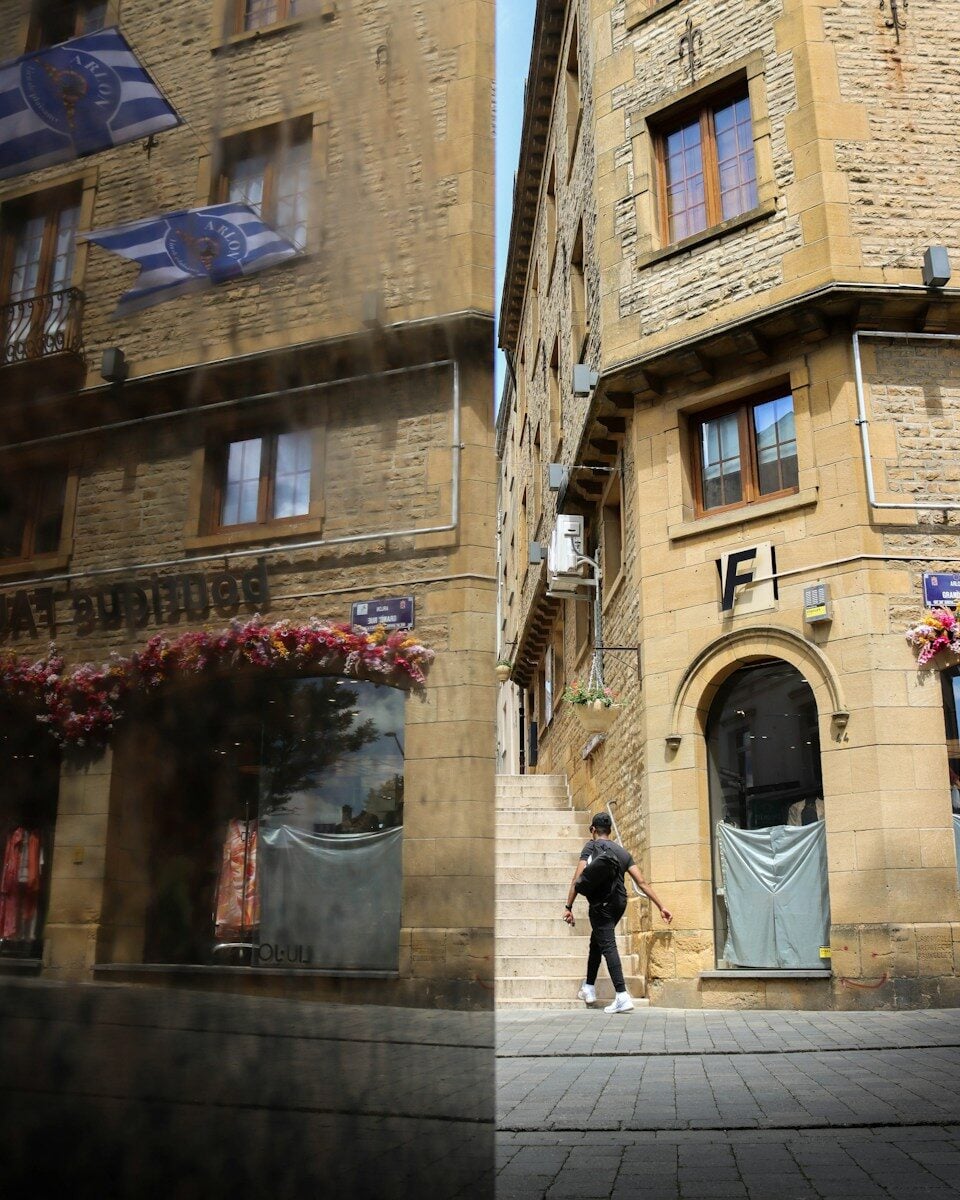
A photograph may appear to be perfect until some undesired object catches the eye of the primary focus. An example is the parked car that captures attention to a beautiful building, a family portrait or a beautiful street. Today, tools that remove car from photo can help users clean up these images without complex editing skills. Photo editors powered by AI can make this process quicker by detecting the unwanted items and filling in the blank area with appropriate background information.
Why Unwanted Objects Can Affect a Photo
Photography is about more than capturing a moment. The look of an image is affected by composition, lighting, colour and balance. These aspects can be interfered with by an undesired object and render even a beautiful photograph untidy.
Cars are typical distractions in outside photography. They can obscure architectural features, take up useful space in a landscape or be located behind an individual in a portrait. The same may happen with rubbish bins, road signs, cables and other things that find their way into the frame without prior notice.
Eliminating these distractions can make the viewer concentrate on the target topic. It is also able to transform photographs into something more personal collection, websites, presentations, and social media posts.
But erasing an object is not necessarily a simple task as deleting it. The editor should also consider the background that is at the back of it. Here, contemporary picture-editing technology can come to the fore.
How AI Object Removal Works
The manual work of photo editing is usually delicate and requires a lot of manual effort. An editor might have to pick one object, delete it, copy the pixels around it, and modify the rest of the area to conceal any visible traces. This strategy has the potential of great outcomes but requires time and practice.
Image analysis simplifies the process of AI object removal. The software recognizes the object chosen and approximates what the scene would have been like without the object. It then creates or fuses background information to fill the damaged area.
This is what is generally referred to as image inpainting. The system can be based on the local textures, colours, patterns, and acquired visual information to create the missing part, depending on the tool.
Considering the example, the software might need to fill in the road surface, pavement or wall behind a car in a photograph of a street to remove it. When the background has plain textures, then the outcome can be natural. Complex scenes involving shadows, or reflections, or detailed architecture may need further refinements.
AI does not always recreate the original scene as it is. Rather, it produces a visual plausible output based on information available.
Common Uses for AI Photo Cleanup
Removal of objects may assist in a number of photography and digital content producing.
– Real Estate and Architecture.
Photographs of property tend to contain parked cars that conceal fronts, driveways, or other exterior features. Removal of these images can assist viewers in having a better view of the building.
In the case of architectural photography, the temporary distractions can also be eliminated to enhance the overall composition. Nevertheless, property ads are not supposed to be misleading and distort the essential aspects or circumstances.
– Travel and Landscape Photography.
The well known tourist spots are usually busy. A picture can be of a stunning monument or a natural scenery but also contains cars, bins, and other distractors.
Object-removal tools can allow photographers to enhance the composition without the need to go back to the place. The output is dependent on the extent of background coverage and the amount of surrounding detail the software can make.
– Personal Photography and Social Media.
Users usually desire to enhance photos prior to posting them online. The background may contain a vehicle which is unwanted or a misplaced object which will focus on something other than the subject.
AI editing provides an effective means to do minor corrections without having to study a complete professional editing process. Instead of correcting small flaws, users can concentrate on the image they desire to save, which takes hours.
– Creative Projects and Marketing.
Photographs can be used by businesses as blog posts, digital campaigns, presentations and promotional materials. Clean images are able to reinforce a similar visual style, particularly where the subject matter requires to shine through.
Editors are advised to make sure that modifications are suitable to the intended use. In journalism, documentary work, or evidence-based reporting, special attention must be paid to the use of images as the removal of objects can alter the meaning of a scene.
Tips for Getting Better Object-Removal Results
Though much of the editing process can be automated through the use of AI tools, there are a few basic practices that can be performed to enhance the final image.
Select a clear picture. Still, high-resolution photographs tend to have more to analyse by the software. Less convincing results could be obtained with blurry or heavily compressed images.
Click on the whole object. When a section of a car, a shadow or a reflection is not in the selection, the end result would be a partial image. Other editors give the option of refining the selection with a brush or other control.
Note the background. Efforts to remove an object in a plain wall are usually less complicated compared to the effort to reconstruct a busy street. Check areas that have repetitive elements, road markings, brickwork or good perspective lines.
Check the lighting and shadows. A shadow can be cast by a body on the surface or the ground. The elimination of the central object without focusing on its shadow can make the cut conspicuous.
Look at the picture of various sizes. What appears convincing on such a small screen could have spots or repeating patterns when observed under a microscope. These problems can be identified with the aid of zooming in.
Keep an original copy. By not editing the photograph, one can save the original version that can be undone later or can be edited in a different manner.
AI Editing Versus Manual Retouching
AI-based editing can be helpful when it comes to speed and convenience. A wide range of tools are capable of eliminating a chosen object in a few clicks and is therefore used by non-professional photographers and content creators who require fast fixes.
Difficult areas can be better controlled by manual retouching. Individual pixels can be manipulated by professional editors, re-creating complex textures or correcting minor lighting or viewpoint differences. This degree of accuracy might be relevant to commercial photography or big images.
The two methods are not mutually exclusive. When an editor applies AI to eliminate the major distraction, he can also apply minor corrections to enhance the outcome with his hands. The combination of this workflow can often be a good balance between the quality and speed.
Privacy and Responsible Image Editing
Photo-editing software can be used to edit pictures either locally on a device or by uploading them to remote servers. Users must consider their online editors’ privacy policy before editing family photographs or customer pictures, or any other sensitive information.
The way that the images will be edited is also important to consider. Cropping an undesired car out of a personal vacation shot is generally a simple artistic decision. Modifying a photo to conceal important information, give a false impression or to distort the real image of a place brings about other issues.
Responsible editing implies taking into account the quality of the final image and the expectations of the people that will see it.
The Future of Photo Editing Everyday
AI is enabling more people who do not have professional design experience to access image editing. Tasks which used to be done manually in a detailed way can be done by simple selections and automated processing now.
These tools could get more effective in discerning complex backgrounds, holding out finer details and ensuring consistency of lighting as they become better. Meanwhile, the quality of the results will still rely on the quality of the images, complexity of the scene, and the abilities of the selected editor.
To common users, the chief advantage is flexibility. No longer does an object that is distracting have to destroy an otherwise good photograph. After a very cautious selection and a final quality check, the AI-assisted editing will be able to produce cleaner and more balanced images, without losing the details that are the most important to people.


-

 Resources5 years ago
Why Companies Must Adopt Digital Documents
-

 Resources4 years ago
A Guide to Pickleball: The Latest, Greatest Sport You Might Not Know, But Should!
-

 Resources1 year ago
50 Best AI Free Tools in 2025 (Tried & Tested)
-

 Resources1 year ago
Get Paid $5000+ a month to write : Discover 30 Spectacular Websites That Reward Your Writing Effort