Tech
What Is a Smart TV Box? Features, Benefits, and How It Works
Discover what is a smart TV box, how it works, its key features, top benefits, and how to set one up to transform any TV into a smart entertainment hub.

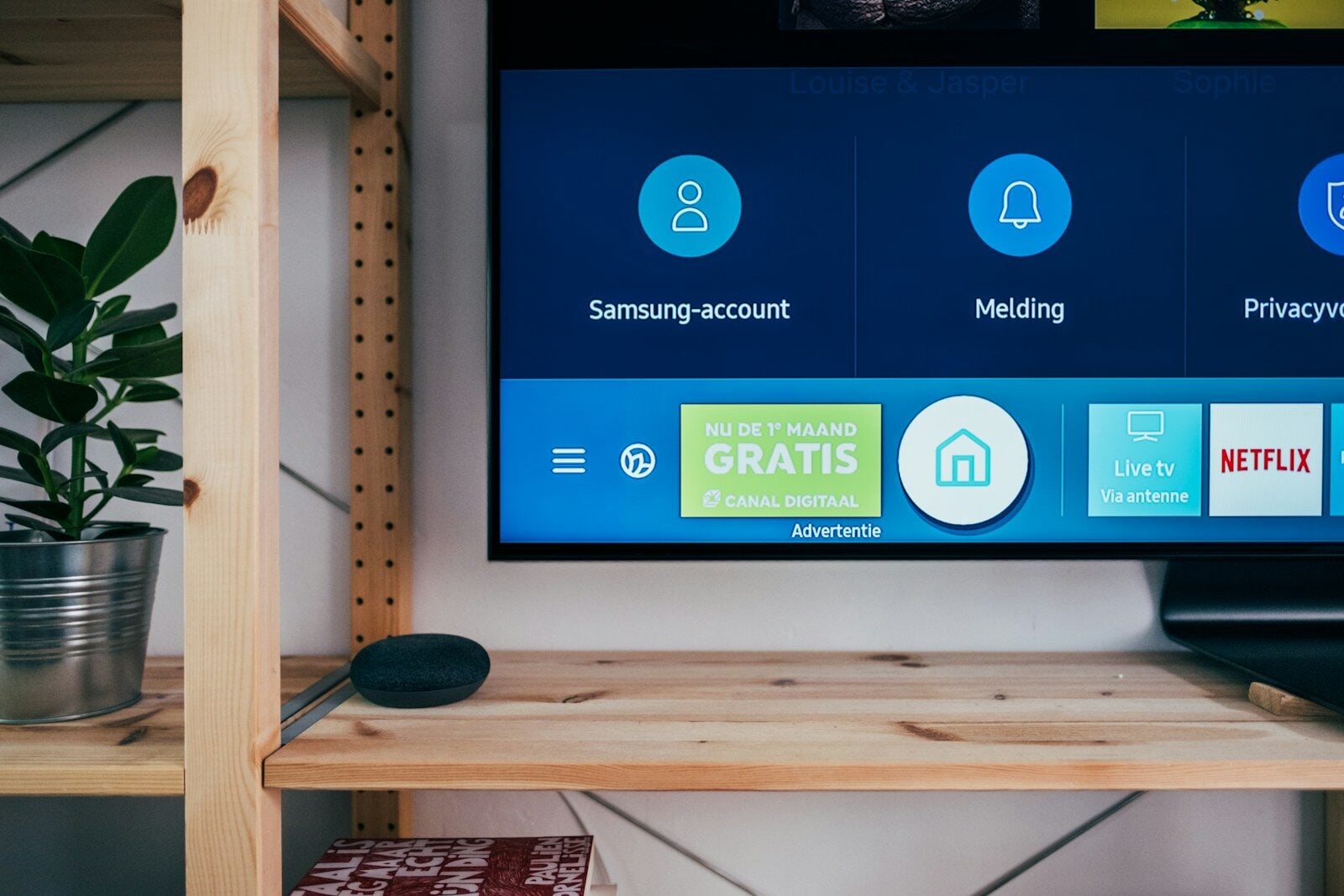
A smart TV box is a compact, plug-and-play device that connects to any television and instantly transforms it into a fully functional smart TV. If you have ever wondered what is a smart TV box and whether you need one, this guide breaks it all down clearly.
These small but powerful devices bridge the gap between your old television and the modern world of online streaming, gaming, and apps. Therefore, you do not need to buy an entirely new TV to enjoy smart features. A smart TV box gives you all of that at a fraction of the cost.
In this article, you will learn exactly how a smart TV box works, what features it offers, and why millions of people around the world are switching to them.
What Is a Smart TV Box, Exactly?
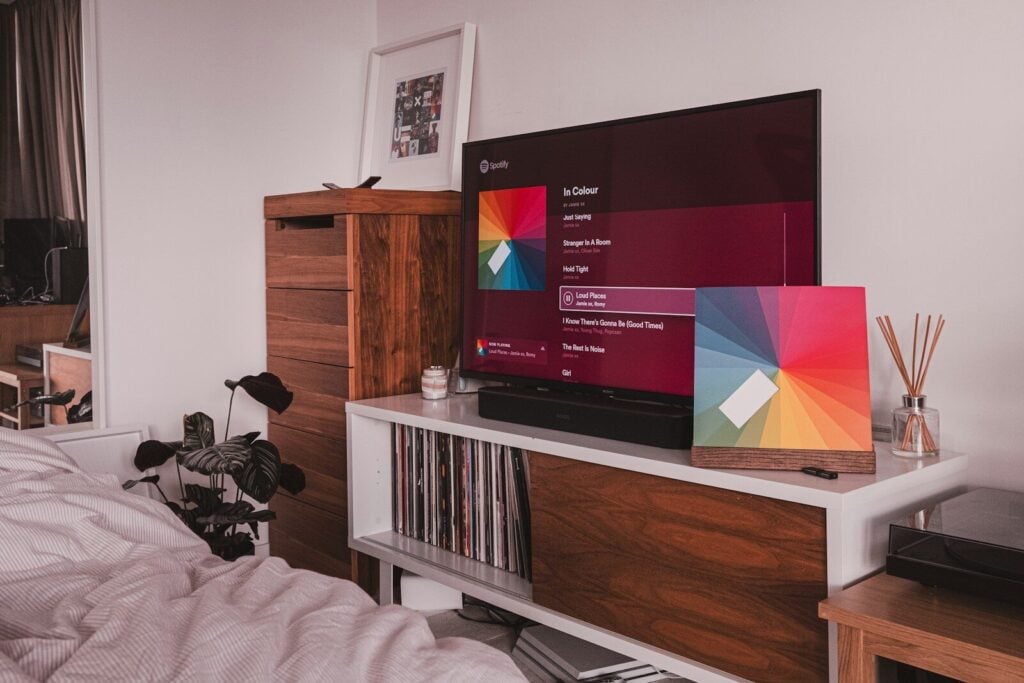
Simply put, a smart TV box is a mini-computer designed for your living room. It connects to your television via an HDMI cable and uses your home internet connection to deliver content directly to your screen.
The TV itself acts only as a monitor in this setup. All the processing, app management, and connectivity happen inside the box. As a result, even a 10-year-old television can run Netflix, YouTube, or Amazon Prime Video without any issues.
These devices run on operating systems such as Android TV, Google TV, Roku OS, Apple tvOS, or Linux-based systems. Android TV boxes are considered among the most popular options because of their flexibility, affordability, and access to the Google Play Store.
How Does a Smart TV Box Work?
A smart TV box works by receiving digital data from your network and converting it into video and audio signals that your TV can display. Here is a step-by-step breakdown of the process:
You connect the box to your TV using an HDMI or AV cable
The box connects to the internet via Wi-Fi or an Ethernet cable
The built-in processor and RAM run the operating system and apps
The device decodes streaming data and outputs it to your screen
You navigate everything using a remote control or a mobile app
Inside the box, you will find a processor, RAM, internal storage, a Wi-Fi module, and sometimes a Bluetooth chip. Higher-end models include more powerful processors and larger storage, which results in faster performance and smoother streaming.
Furthermore, the box manages your app library, account settings, and display resolution preferences. Some models support 4K and even 8K resolution, delivering exceptionally sharp visuals when paired with a compatible TV.
Key Features of a Smart TV Box
Understanding the features helps you choose the right device. Here are the most important ones to look for:
Streaming and App Support
A smart TV box gives you access to popular streaming platforms like Netflix, Disney+, Amazon Prime Video, Hulu, and YouTube. Additionally, you can download fitness apps, music services like Spotify, and educational platforms directly onto the device.
High-Definition Video Output
Most modern smart TV boxes support Full HD (1080p) and 4K Ultra HD resolution. Therefore, your viewing experience improves significantly compared to standard cable or satellite broadcasts.
Multiple Connectivity Ports
Smart TV boxes come equipped with a range of ports, including:
HDMI output for TV connection
USB ports for external drives and keyboards
Ethernet port for wired internet connection
MicroSD card slot for additional storage
Audio/video ports on select models
Wireless Connectivity
Built-in Wi-Fi allows you to connect to your home network without cables. Meanwhile, Bluetooth support on many models lets you pair wireless remotes, headphones, and game controllers easily.
Voice Control and Smart Assistants
Many smart TV boxes now include voice control through Google Assistant or Amazon Alexa. As a result, you can search for content, adjust volume, and control smart home devices using only your voice.
Gaming Capability
Some smart TV boxes support casual and mid-range gaming through app stores or cloud gaming platforms. Furthermore, you can connect a Bluetooth game controller to improve the gaming experience on your big screen.
Top Benefits of Using a Smart TV Box
A smart TV box offers several practical advantages over both standard televisions and traditional cable setups. Here are the top benefits:
Cost-Effective Upgrade
Buying a new smart TV can cost hundreds or even thousands of dollars. In contrast, a quality smart TV box typically costs between $30 and $150. Therefore, it is a far more budget-friendly way to access smart features.
Extended TV Lifespan
Smart TV boxes allow you to keep using your existing television for years longer. You simply update the box when newer technology arrives, rather than replacing the entire TV. This approach is also better for the environment.
Access to Thousands of Apps
With access to the Google Play Store or equivalent app marketplace, you can install thousands of apps on your TV. For example, you can stream live sports, learn a new language, or follow workout routines all from your couch.
Customization and Parental Controls
A smart TV box lets you personalize the interface to match your preferences. Additionally, parental control features allow you to restrict content for younger viewers, making it a family-friendly solution.
Regular Software Updates
Unlike built-in smart TV systems that often stop receiving updates after a few years, a smart TV box receives regular software improvements. As a result, your device stays current with the latest apps and security patches.
Portability
Smart TV boxes are small and lightweight. Therefore, you can easily carry one when traveling and connect it to hotel TVs or secondary screens in different rooms of your home.
Smart TV Box vs. Built-In Smart TV
You might wonder whether a smart TV box is necessary if you already own a smart TV. However, built-in smart TV systems often become outdated quickly. Manufacturers frequently stop pushing software updates after a few years, leaving older models unable to run the latest apps.
A standalone smart TV box solves this problem entirely. You replace only the box when it becomes outdated, not the entire television. Furthermore, smart TV boxes typically offer more processing power and storage than the built-in systems found in budget smart TVs.
In contrast, a fully integrated premium smart TV offers a cleaner setup with fewer cables. For many users, however, the flexibility and affordability of a smart TV box make it the smarter long-term choice.
Popular Smart TV Box Options in 2026
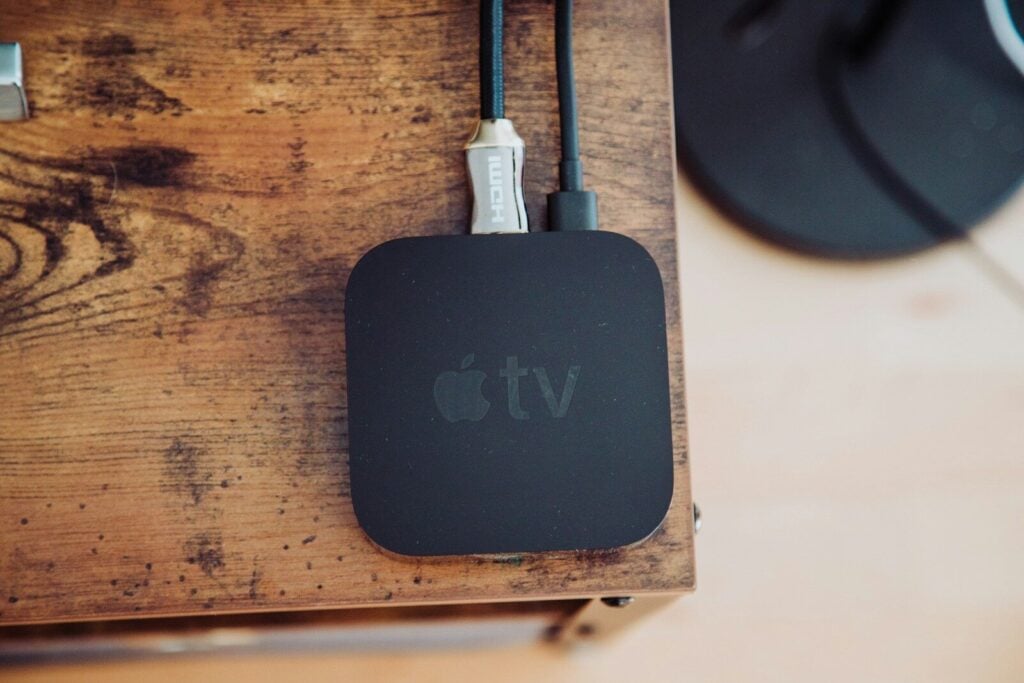
The market offers a wide range of smart TV boxes to suit different budgets and needs. Some of the most popular options include:
Amazon Fire TV Cube: Powerful performance with Alexa voice control and 4K HDR support
Apple TV 4K: Premium option with seamless Apple ecosystem integration and Dolby Vision support
NVIDIA Shield TV Pro: Top-tier choice for gamers and power users with AI-enhanced upscaling
Xiaomi Mi Box S: Affordable Android TV box with 4K HDR and Google Assistant built in
Roku Streaming Box: Beginner-friendly interface with access to thousands of free and paid channels
Each option serves a different type of user. Therefore, consider your budget, preferred ecosystem, and primary use case before making a purchase decision.
How to Set Up a Smart TV Box
Setting up a smart TV box is straightforward and takes only a few minutes. Follow these simple steps:
Plug the HDMI cable from the box into your TV’s HDMI port
Connect the box to a power source using its included adapter
Switch your TV input to the correct HDMI channel
Follow the on-screen setup wizard to connect to your Wi-Fi network
Sign in with your Google, Apple, or Roku account
Download your preferred streaming apps and start watching
Most devices complete this entire setup process in under 10 minutes. Additionally, the included remote control makes navigating the setup menus simple, even for first-time users.
Is a Smart TV Box Right for You?
A smart TV box is an excellent choice for anyone who wants to upgrade their entertainment setup without spending a large amount of money. It works perfectly for people with older televisions, those who want more app choices than their built-in TV system offers, and anyone looking for a flexible and upgradeable solution.
However, if you prefer a minimal cable setup and already own a high-end smart TV with regular updates, you may not need one immediately. In the end, the decision depends on your specific entertainment needs and budget.
Overall, a smart TV box delivers exceptional value. It turns any screen into a powerful entertainment hub and keeps your setup current for years to come.


-

 Resources5 years ago
Why Companies Must Adopt Digital Documents
-

 Resources4 years ago
A Guide to Pickleball: The Latest, Greatest Sport You Might Not Know, But Should!
-

 Resources1 year ago
50 Best AI Free Tools in 2025 (Tried & Tested)
-

 Resources1 year ago
Get Paid $5000+ a month to write : Discover 30 Spectacular Websites That Reward Your Writing Effort