Tech
How to Choose the Top Programming Tutorials: Cut Through the Noise and Code Faster

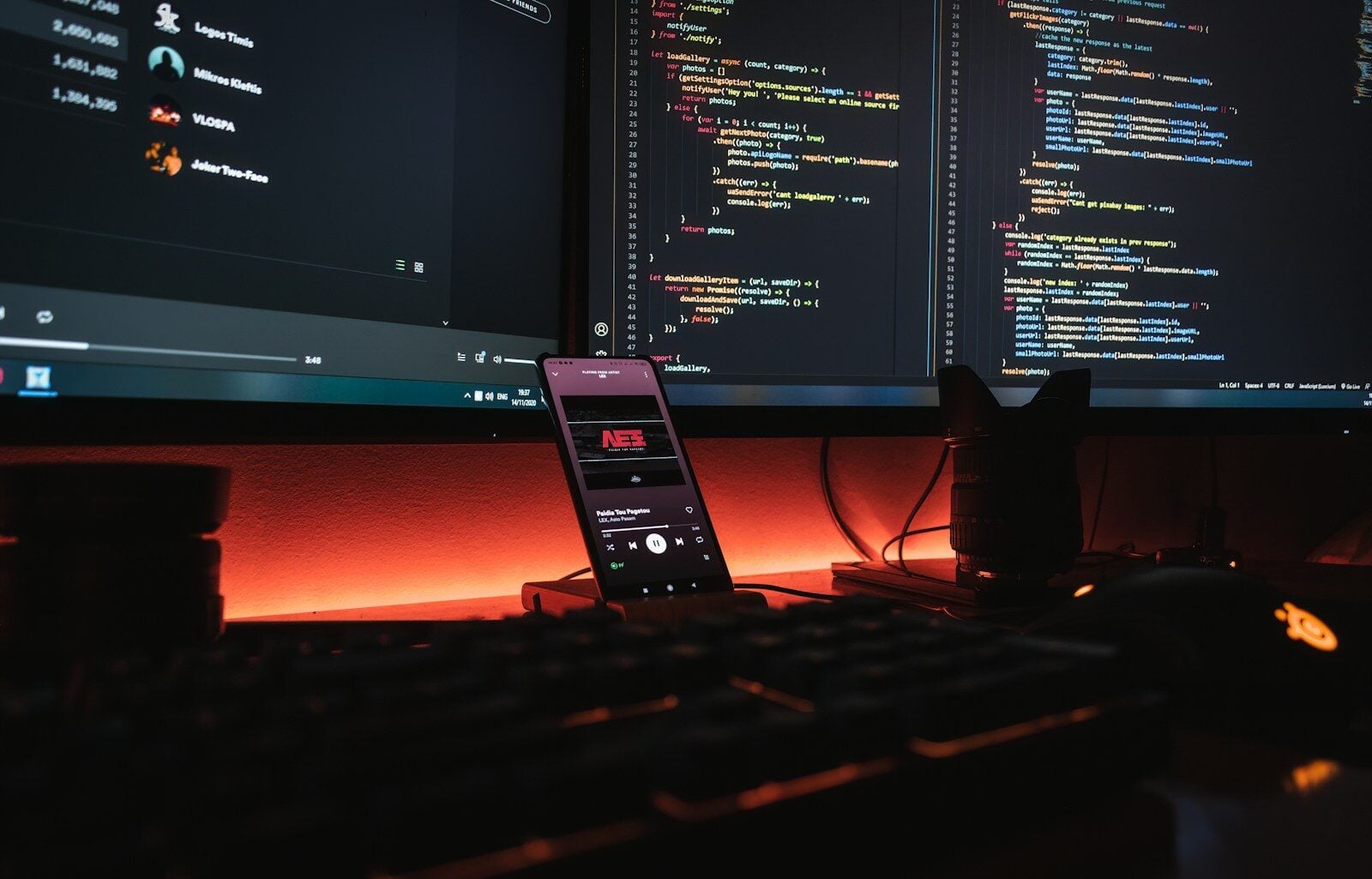
If you are like most self-taught developers, you are likely feeling utterly overwhelmed by the sheer volume of “learn to code” videos, blogs, and bootcamps out there. I know exactly how frustrating it is to spend dozens of hours watching someone else build a project, only to realize you cannot write a single line of your own code from scratch once the video ends. This painful cycle—frequently called “tutorial hell”—is the ultimate speedbump for aspiring programmers who want to secure a real role in tech.
The absolute fastest way to break this loop is to pivot away from passive video scrolling and move toward structured, highly interactive platforms.
If you are looking for the absolute top programming tutorials available in 2026, my recommendations boil down to a few select paths. Choosing the right course depends entirely on your personal learning style and budget:
- For Absolute Beginners: Scrimba offers the best interactive, hands-on environment. Its unique browser-based screencasts allow you to pause the video and edit the instructor’s code directly inside the player.
- For the Budget-Conscious: freeCodeCamp provides completely free, text-based interactive coding challenges paired with highly respected industry certifications.
- For Aspiring Software Engineers: The Odin Project offers a rigorous, free, and project-based open-source curriculum focused on building real applications on your local machine.
The Ultimate Comparison of Top Programming Tutorials
I have thoroughly analyzed the modern coding education landscape. To help you make an informed decision, I have broken down the top platforms across their most important attributes:
| Platform | Best For | Format | Price | Key Highlight |
| Scrimba | Interactive, hands-on learners | Interactive screencasts | Free courses; Pro is ~$24/month | Pause the video and edit code right in the player |
| freeCodeCamp | Absolute beginners on a budget | Text + browser-based exercises | 100% Free | Rigorous curriculum with free certifications |
| The Odin Project | Self-directed, project-focused learners | Text + local environment projects | 100% Free | Teaches local Git, command line, and command-line setups |
| Codecademy | Structured, bite-sized practice | Text-based interactive editor | Free tier; Pro is ~$40/month | Gamified tracking with immediate syntax feedback |
| CS50 (Harvard) | Deep computer science foundations | High-quality video lectures | Free (Optional paid certificate) | The premier introduction to algorithmic thinking |
Why “Active Learning” Beats Passive Watching Every Time
I cannot stress this enough: watching a developer write code on YouTube is not the same as writing code yourself. I often point people to a landmark educational study published in the Proceedings of the National Academy of Sciences (PNAS). The researchers analyzed STEM students and found that active learning reduces course failure rates by 1.5x and significantly boosts exam scores compared to passive lectures.
When you learn to code, you are not memorizing facts; you are building muscle memory and learning logical problem-solving. If a tutorial does not force you to write, break, and debug code every 5 minutes, you are wasting your valuable time.
A Deeper Dive: My Top Programming Tutorials for 2026
Let us break down each of these major platforms so you can see exactly which one matches your current goals.
1. Scrimba (The Best Overall Interactive Experience)
I personally love Scrimba because of its revolutionary technological design. Instead of streaming a standard MP4 video, their platform plays back code instructions.
- The Experience: When you click “pause” on a Scrimba tutorial, the video player instantly turns into a fully functional code editor. You can change variables, run the program, see the output, and then resume the lesson right where you left off.
- Our Recommended Path: Their Frontend Developer Career Path is perfectly aligned with industry standards and the MDN Web Docs curriculum, making it an outstanding choice for aspiring web developers.
2. freeCodeCamp (The Best Free Certified Path)
If you are looking for a highly structured path that costs absolutely nothing, freeCodeCamp is the gold standard.
- The Experience: You learn through bite-sized, text-based modules inside your browser. You write code to pass specific test suites before moving to the next level.
- Our Recommended Path: Start with their Responsive Web Design Certification and move directly into JavaScript Algorithms and Data Structures. Completing these gives you tangible proof of your skills that you can proudly showcase.
3. The Odin Project (The Best for Real-World Simulation)
Many online platforms shield you from the realities of software engineering by letting you write code exclusively in a neat browser sandbox. The Odin Project throws that hand-holding out the window.
- The Experience: They teach you how to install a virtual machine, configure a command-line terminal, use git on your local machine, and push your code directly to GitHub.
- Our Recommended Path: Follow their Full Stack JavaScript curriculum. By the end of this path, you will have built dozens of complex, custom projects from a completely blank slate.
How to Successfully Learn to Code in 2026
If you want to ensure your learning translates to a real career, I recommend following this strict, step-by-step sequence.
1.Define your concrete goal :Week 1.
Do not just say, “I want to learn to code.” Be incredibly specific. Define your target: “I want to build a dynamic personal web app,” or “I want to automate my spreadsheet reporting.” This goal dictates your language and your study roadmap.
2.Choose one language and stick to it :Weeks 1 to 4.
Do not jump back and forth between Python, JavaScript, and C++. For beginners, I strongly recommend Python (for data, scripting, and backend) or JavaScript (for front-end web development). Spend at least a month learning syntax basics without switching.
3.Establish an active daily habit :Ongoing.
Consistency beats intensity. Coding for 30 to 60 minutes five times a week is infinitely better than attempting a grueling 6-hour marathon on a Sunday afternoon. It helps build neural pathways and keeps you from forgetting the syntax you learned days prior.
4.Build 3 small, independent projects :Month 2 and beyond.
Once you grasp the core basics, step away from guided tutorials. Build a simple to-do list, a basic calculator, or a local weather app entirely on your own. Getting stuck on your own projects is where the true learning happens.
The Evolving Role of AI in Your Coding Journey
In 2026, we cannot talk about coding without talking about Artificial Intelligence. According to the authoritative Stack Overflow Developer Survey, an overwhelming 84% of developers are now utilizing AI tools in their daily workflows.
However, there is a major trap here for beginners. If you let an AI write all your code for you, you will completely short-circuit your own learning process.
Expert Tip: Treat AI like a Socratic Tutor. Never ask an AI tool to “write this code for me.” Instead, ask it: “Explain why I am getting this specific error,” or “Provide a hint to help me refactor this nested loop.” This keeps your brain actively engaged in the critical problem-solving process.
Frequently Asked Questions (FAQ)
How long does it take to learn to code and get a job?
Generally, it takes about 3 months of consistent daily study to get comfortable with basic coding logic. To build a production-ready portfolio, learn version control, and become genuinely job-ready, you should realistically expect to spend 9 to 15 months of focused effort.
Do I need a computer science degree to get hired?
No. While a formal computer science degree provides a great foundational buffer, the tech industry is largely merit-based. Employers care far more about your actual github repositories, your deployed projects, and your ability to solve engineering problems during technical interviews.
Which programming language should I learn first?
For most beginners, I highly recommend starting with either Python or JavaScript. Python has an incredibly clean syntax that reads almost like plain English, allowing you to focus on logic. JavaScript is the absolute language of the web, meaning you can build visual, interactive sites immediately.
How do I escape “tutorial hell”?
You escape tutorial hell by building things without a guide. The moment you finish a tutorial, immediately try to build a slightly modified version of that project from scratch without looking at the source code. Force yourself to read documentation and use search engines to solve bugs on your own.


-

 Resources5 years ago
Why Companies Must Adopt Digital Documents
-

 Resources4 years ago
A Guide to Pickleball: The Latest, Greatest Sport You Might Not Know, But Should!
-

 Resources1 year ago
50 Best AI Free Tools in 2025 (Tried & Tested)
-

 Resources1 year ago
Get Paid $5000+ a month to write : Discover 30 Spectacular Websites That Reward Your Writing Effort